







Top 10 Wallpapers of August 2026
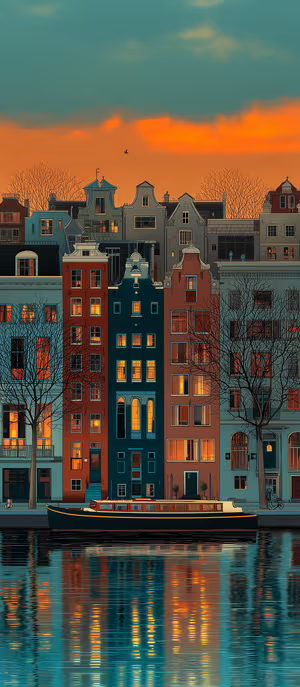
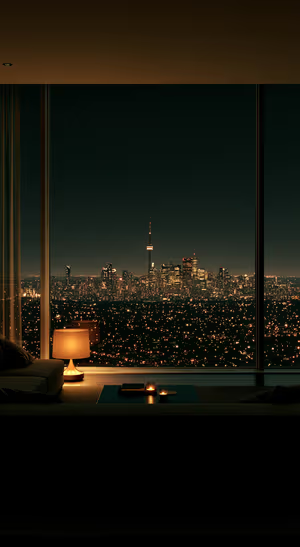
This collection brings together the ten August wallpapers that earned the strongest mix of community likes and reach across the site and social channels. Every design was first published in August 2026, and every place in the bundle is backed by performance data. Moody City Skyline leads the pack, followed by Moonlit Gothic Pirate Ship, Modern Palm House Blue Gold, Cosmic Rome Cityscape, and Cinematic Blue Planet. The journey continues through Pastel Ocean Shoreline, Blue Floating Platform, Autumn Cabin Lake Reflection, Golden Galaxy Rings, and Navy Gold Japanese Wave. Together they balance cinematic blues, warm golds, serene landscapes, bold architecture, and cosmic detail — an August collection built from the wallpapers audiences actually liked most.