Seasonal & Holidays
Christmas Wallpapers for iPhone & Android
Glowing trees, ornaments, snowy villages and Christmas markets for the coziest lock screen of the year.
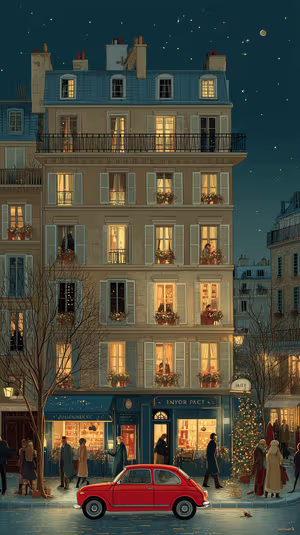
Paris Night Avenue
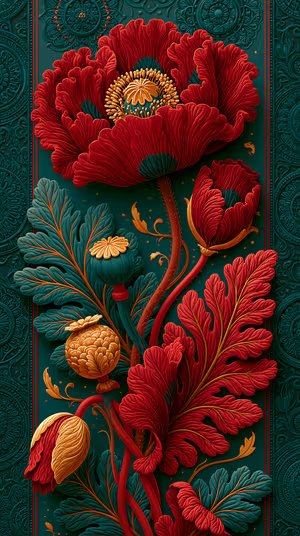
Crimson Poppy Relief
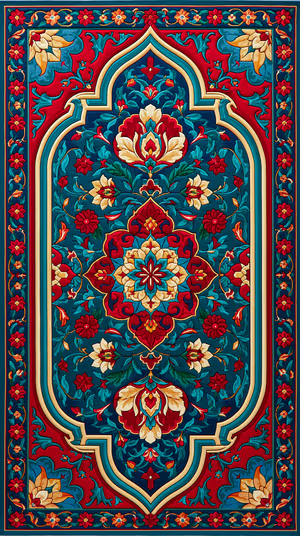
Regal Persian Medallion
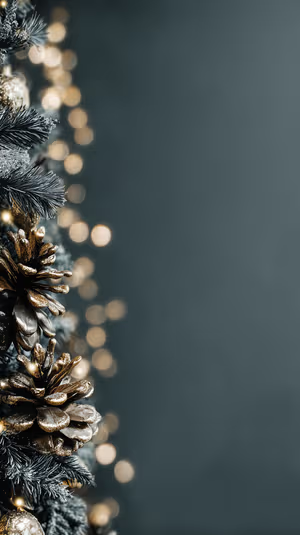
Frosted Pinecone Bokeh
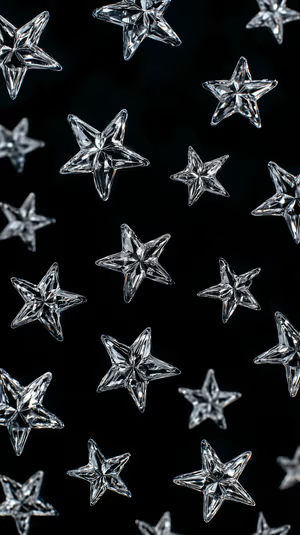
Crystal Star Pattern
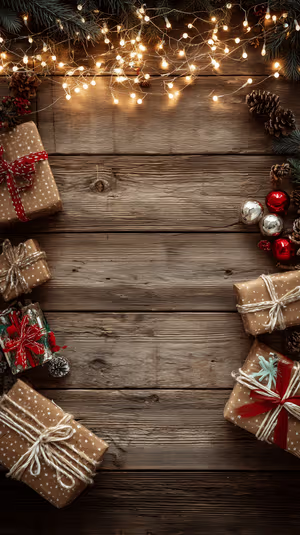
Rustic Wood Gifts
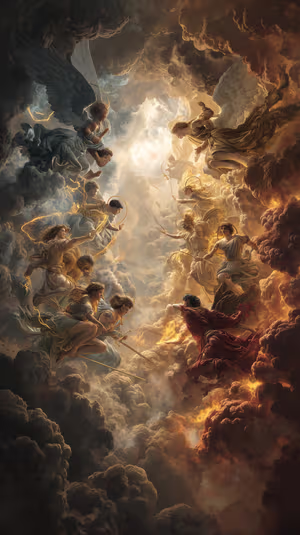
Angelic Cloudscape
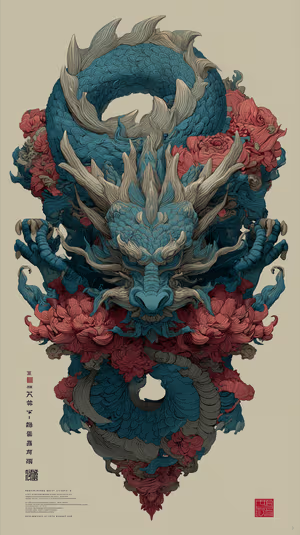
Ornate Teal Dragon
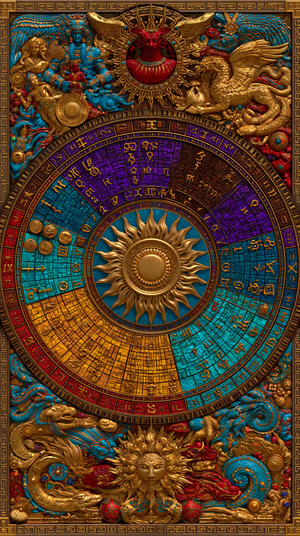
Regal Zodiac Mandala

Folk Bloom Parrots
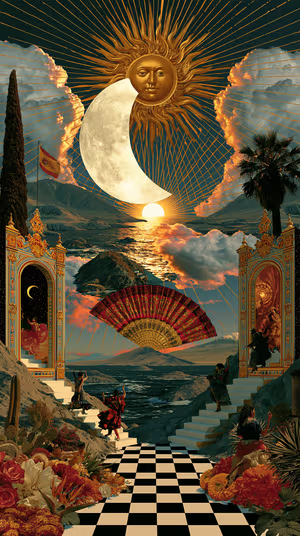
Solar Lunar Theater

Tribal Headdress Relief

Get every christmas wallpaper free in HD
The ON Lock Screen app has new wallpapers every day. Or tap any wallpaper here to download it in 4K or 8K.
Midnight Baroque Damask
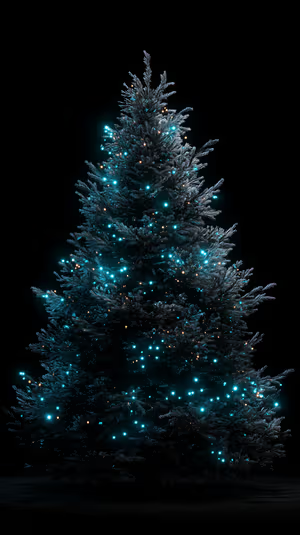
Teal Pine Glow

Coral Tree Dreamscape
Gold Pine & Red Baubles
Navy Holiday Ornaments
Baroque Gold Frame
ornate christmas tree

Golden Christmas Market
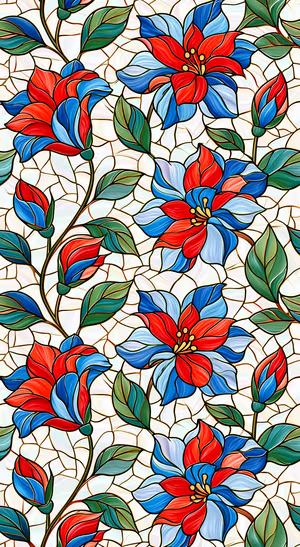
Stained Glass Floral Pattern
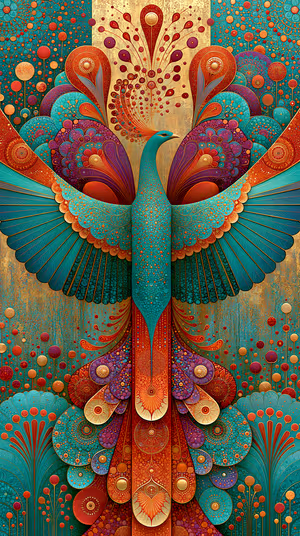
Regal Teal Peacock
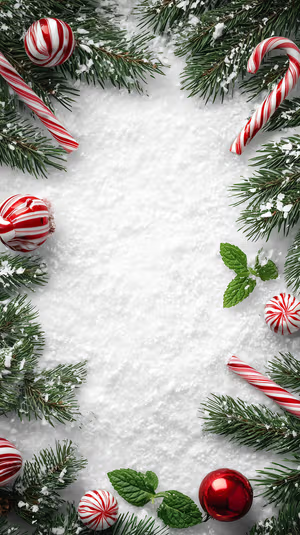
Peppermint Frame

Frosted Teal Frame
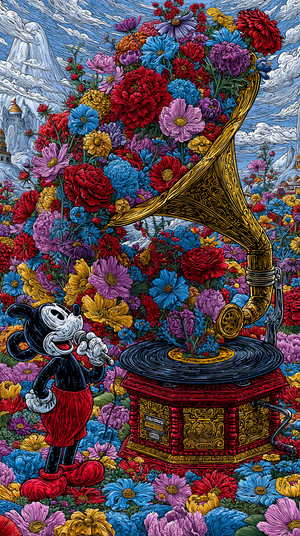
Floral Gramophone Serenade
Ornate Baroque Swirls
Celestial Gold Mandalas
Jewel Quilted Leaves

Stormlit Japanese Castle
Teal Gold Layered Feathers
Teal Gold Mandala
Painterly Eiffel Tower Night
Star Lit Shepherds
crimson holiday baubles

Antique Carved Door
Gilded Baroque Cover
Regal Elephant Crown

Teal Koi Dream
Lace Blossom Trio
Vintage Teal Damask
Burgundy Peony Floral
Festive City Square

Stained Glass Blossoms
Emerald Gold Swirls
Gilded Rococo Frame
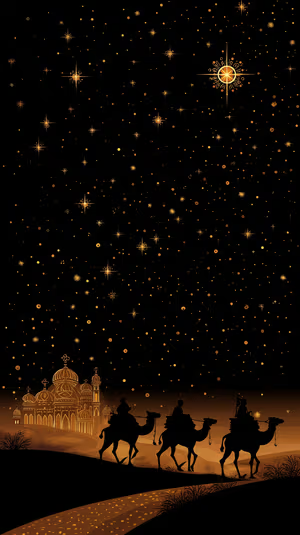
bethlehem caravan
Ornate Parchment Frame
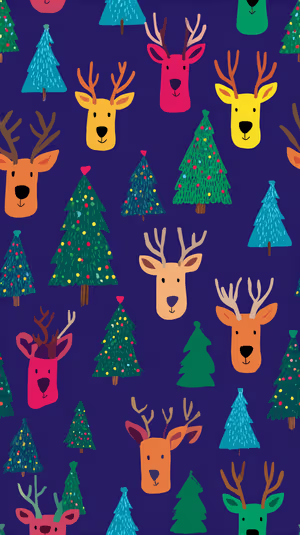
Joyful Reindeer Pattern
Related collections
About these christmas wallpapers
From aesthetic Christmas close-ups of baubles and pine needles to cute Christmas scenes with Santa, reindeer and gift boxes, this collection covers every holiday mood. Many designs use deep navy, green and gold, which look elegant rather than loud.
Set one in late November and pair it with a winter wallpaper for the Home Screen so your phone stays festive through New Year.
How to set a christmas wallpaper
- Tap a wallpaper above to open it.
- Download it in 4K or 8K, or get it free in HD in the ON Lock Screen app.
- On iPhone, open the image in Photos and tap Share → Use as Wallpaper. On Android, open it in Gallery or Photos and choose Set as wallpaper.
- How to Set Wallpaper in iOS 27 – Step-by-Step Guide
- How to Change Your Wallpaper on Android (Samsung, Pixel & More)
Frequently asked questions
When do people usually set a Christmas wallpaper?
Most people switch after Thanksgiving, in late November or early December, and keep it until the new year.
Are these christmas wallpapers free?
You can browse and preview every wallpaper here. HD versions are free in the ON Lock Screen app, and 4K and 8K files can be bought on the website with a lifetime license.
Will these wallpapers fit my phone?
Yes. They are made in a tall portrait format that fits current iPhone, Samsung Galaxy and Google Pixel screens, and the 4K and 8K files have enough resolution to crop or zoom without getting blurry.
What is the difference between 4K and 8K?
Both look sharp on a phone. 8K keeps fine detail when your phone zooms or crops the image for the Depth Effect, parallax or a foldable screen, and holds up best on the largest Pro Max and Ultra displays.