Aesthetics
Retro Wallpapers for iPhone & Android
Synthwave sunsets, 80s neon and 90s nostalgia.

Rustic Station Bench
neon sega den

Neon Lab Doodles
Vintage Desert 4x4
Matrix Code Tunnel
London Sunset Silhouette
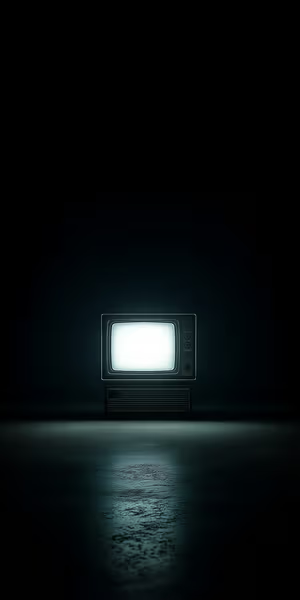
Retro TV Glow
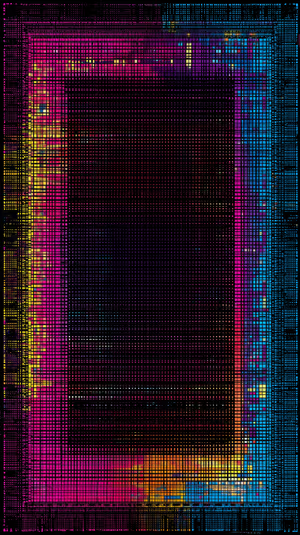
Neon Grid Frame
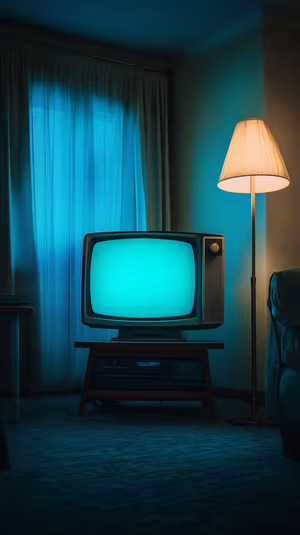
Teal CRT Glow
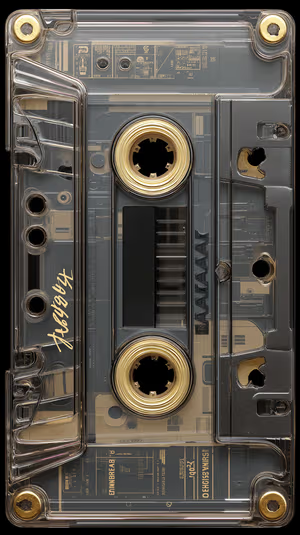
Retro Gold Cassette

Gilded Light Waves

Teal Alley Nightscape

Get every retro wallpaper free in HD
The ON Lock Screen app has new wallpapers every day. Or tap any wallpaper here to download it in 4K or 8K.

Teal Tiki Totems
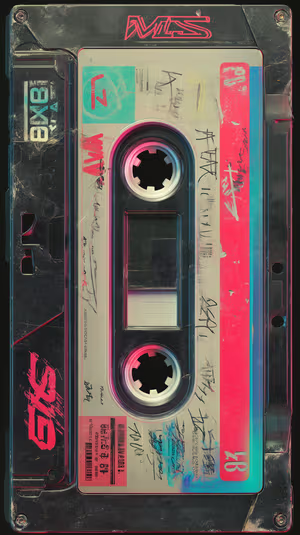
Neon Cassette Tape
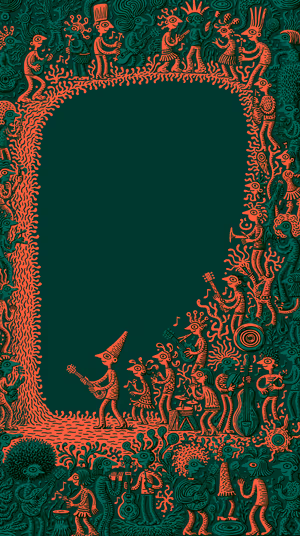
Coral Music Parade
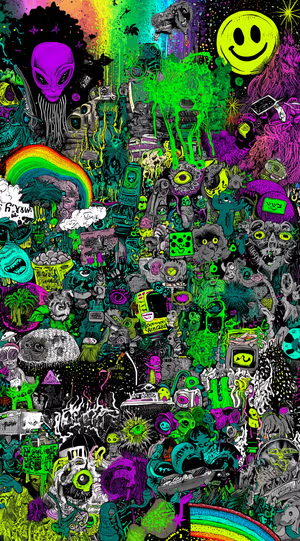
neon alien collage
Aged Parchment Texture
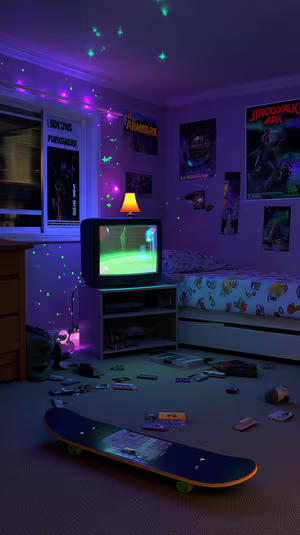
neon 90s gamer room
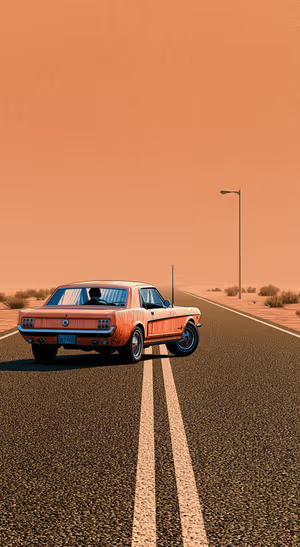
Retro Orange Muscle Car
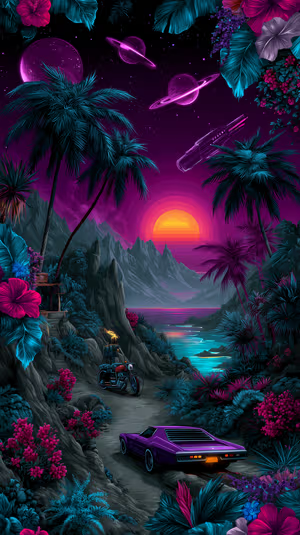
Neon Sunset Ride

Rainy Cafe Ride
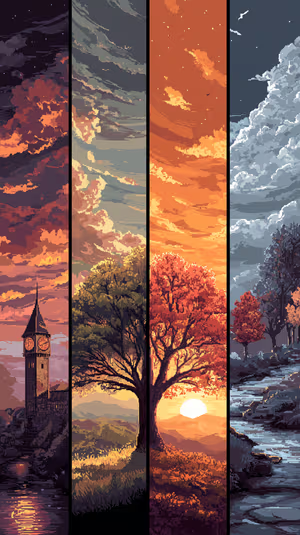
Pixel Sunset Quartet
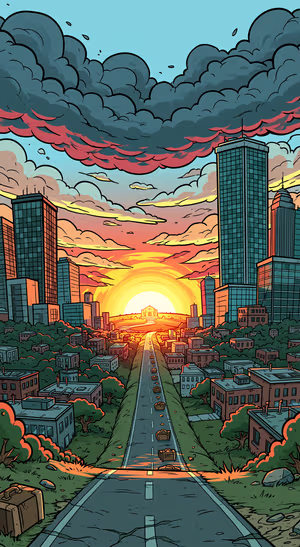
Comic City Sunset Scene

turquoise camper van
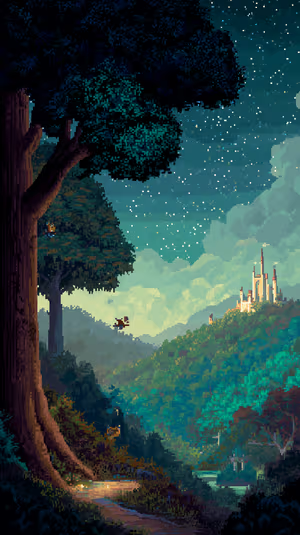
Pixel Castle Night
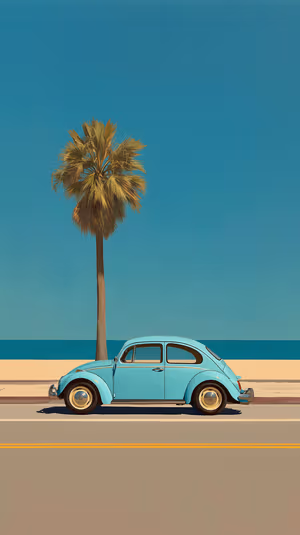
Coastal Blue Beetle

Scarlet Sail Fjord

Colosseum Sentinel
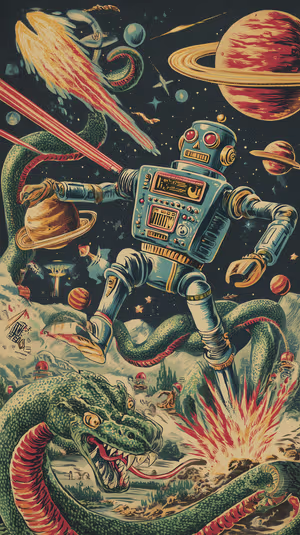
Retro Space Robot
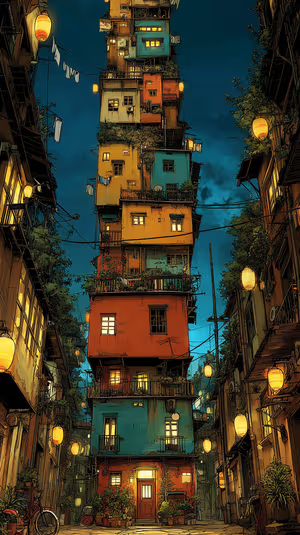
Lantern Tower

Desert Road Horizon
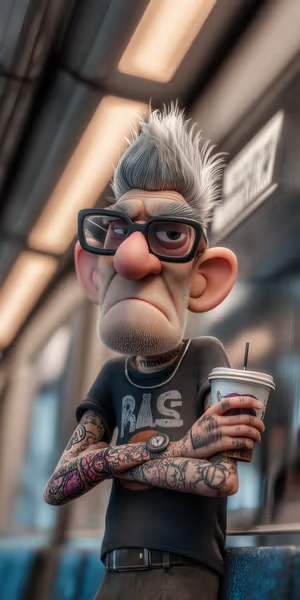
Tattooed Punk Grandpa
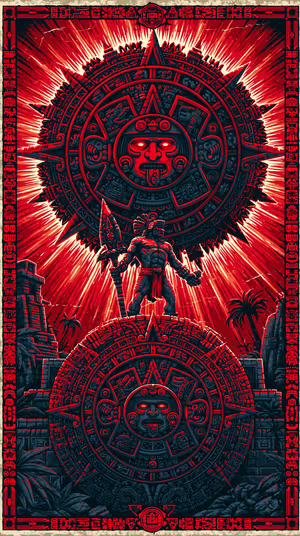
Aztec Sunstone Warrior

Aztec Diamond Textile
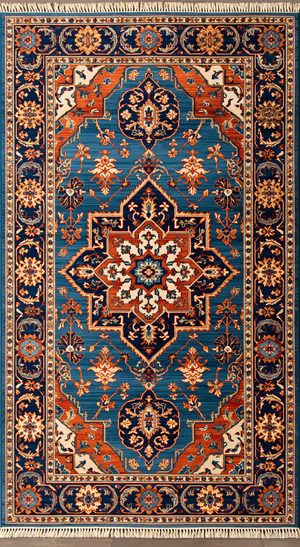
Ornate Persian Rug
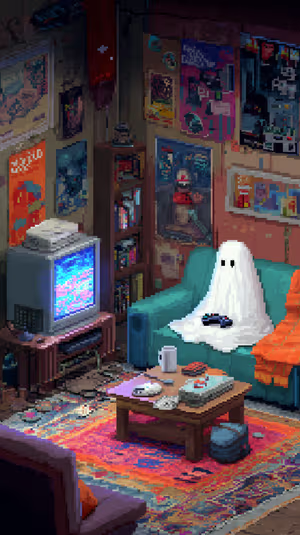
Pixel Ghost Gamer
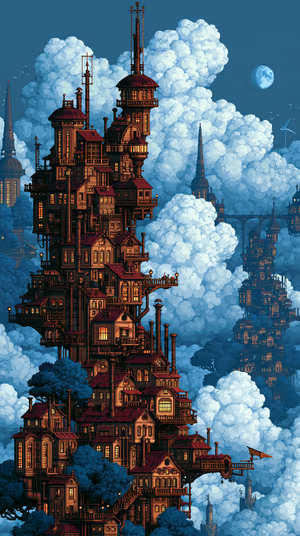
Cloudspire Tower

Cinematic Night Alley
neon wave ribbons
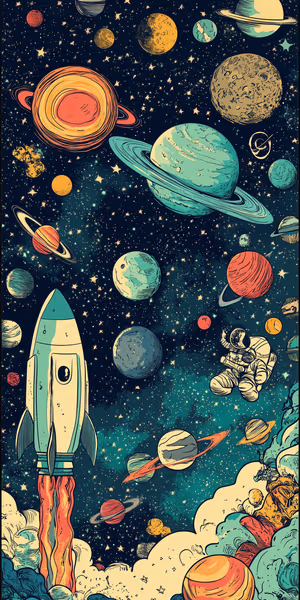
Retro Rocket Launch
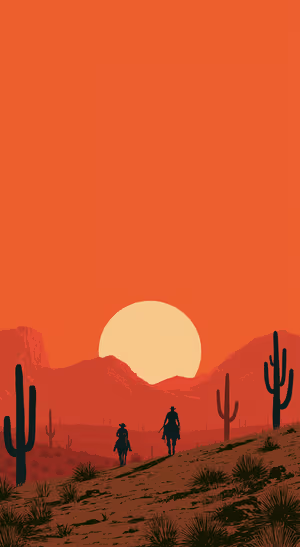
Desert Sunset Riders
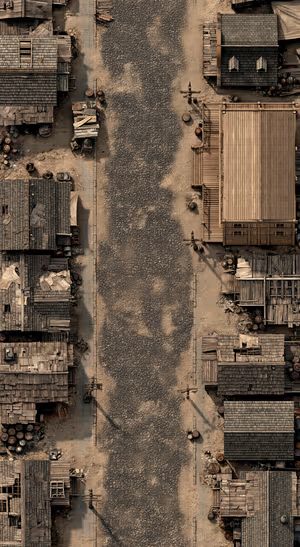
Rustic Village Overhead
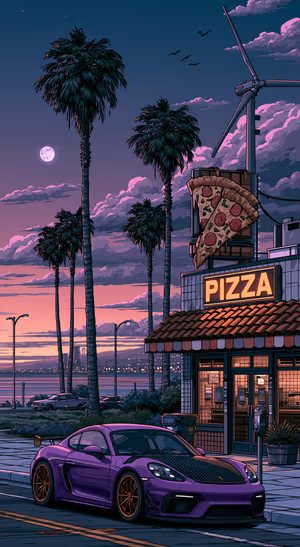
Purple Pizza Racer

Turquoise Floral Parlor

Solar Lunar Theater
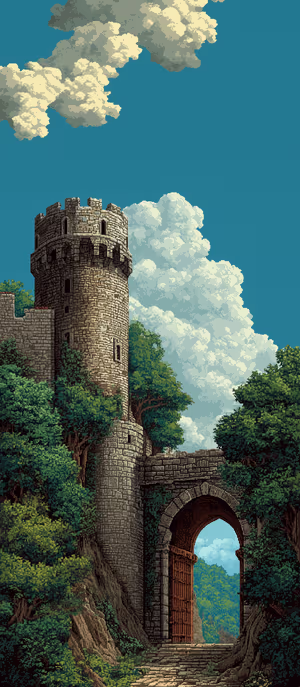
Pixel Castle Gate

Electric Jungle Collage
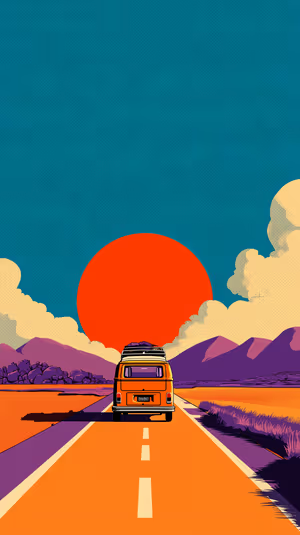
Retro Sunset Van
Related collections
About these retro wallpapers
Retro wallpapers are nostalgia you can set: synthwave grids, chrome sunsets, 70s color stripes and 90s-style pixel scenes.
How to set a retro wallpaper
- Tap a wallpaper above to open it.
- Download it in 4K or 8K, or get it free in HD in the ON Lock Screen app.
- On iPhone, open the image in Photos and tap Share → Use as Wallpaper. On Android, open it in Gallery or Photos and choose Set as wallpaper.
- How to Set Wallpaper in iOS 27 – Step-by-Step Guide
- How to Change Your Wallpaper on Android (Samsung, Pixel & More)
Frequently asked questions
Are these retro wallpapers free?
You can browse and preview every wallpaper here. HD versions are free in the ON Lock Screen app, and 4K and 8K files can be bought on the website with a lifetime license.
Will these wallpapers fit my phone?
Yes. They are made in a tall portrait format that fits current iPhone, Samsung Galaxy and Google Pixel screens, and the 4K and 8K files have enough resolution to crop or zoom without getting blurry.
What is the difference between 4K and 8K?
Both look sharp on a phone. 8K keeps fine detail when your phone zooms or crops the image for the Depth Effect, parallax or a foldable screen, and holds up best on the largest Pro Max and Ultra displays.