Colors
Gradient Wallpapers for iPhone & Android
Smooth color blends and fluid waves, clean enough for any widget setup.

Blue Spotlight Gradient

Golden Gate Bridge Dusk

Liberty Sunset Silhouette
Neon Fluid Ribbons
Ethereal Gradient Orb

Teal to Gray Fade

Violet Wave Gradient

Luminous Ocean Marble

coral cherry branch

Ethereal Blue Ribbon

purple metallic orb
Blue Purple Gradient Glow

Get every gradient wallpaper free in HD
The ON Lock Screen app has new wallpapers every day. Or tap any wallpaper here to download it in 4K or 8K.

Luminous Gradient Blobs

cinematic blue gold wave

Vivid Ink Burst
neon wave ribbons

Pastel Gradient Dream
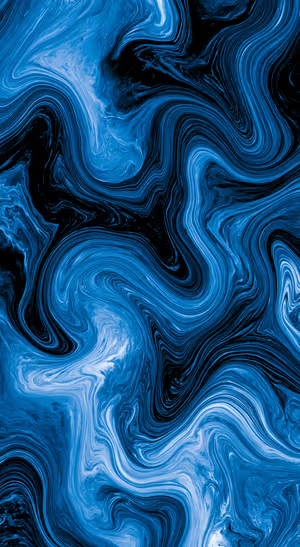
Blue Black Fluid Marble
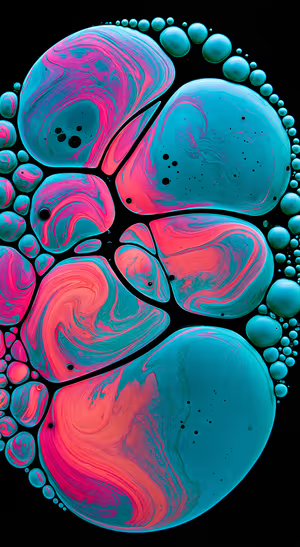
Teal Pink Fluid Bubbles

Azure Bubble Spheres

Yellow Fluid Blooms
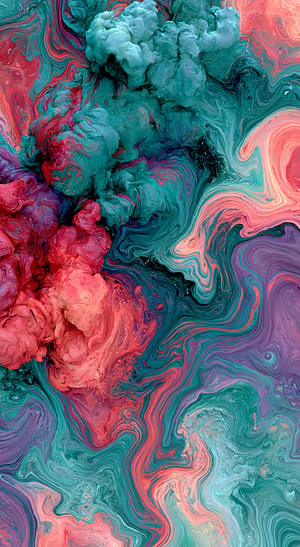
Teal Coral Marble

Purple Neon Ribbons

Kaleidoscopic Ink Burst

Vibrant Fluid Swirls

Teal Gold Marble Waves

Vivid Fluid Wave

Azure Ribbon Layers

Neon Wave Layers

Calm Blue Horizon

teal curve gradient

Emerald Silk Waves

Purple Ribbon Flow

Neon Curve Gradient

Twilight Milky Way Vista

Seafoam Marble Swirl
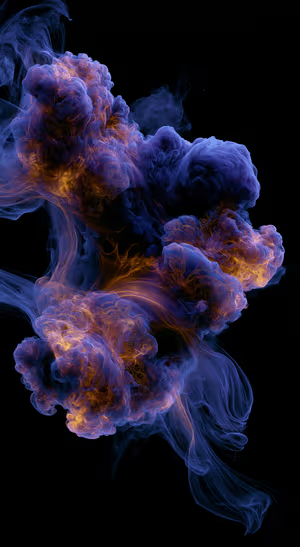
Fluid Ink Clouds

Smoky Ink Swirl
Blue Red Grain Gradient

Pastel Fluid Waves
Orange Teal Cellular Flow

Rainbow Fluid Waves

Tranquil Blue Waves

Luminous Blue Orb

Blue Peach Fluid Swirl

blue swirl marble

Neon Wave Flow
Blue Teal Fluid Marble
Related collections
About these gradient wallpapers
Gradient wallpapers are the cleanest way to add color. Soft blends and fluid waves leave room for the clock, widgets and icons.
Resolution matters more than you’d think: low-quality gradients show visible banding. Our 8K files keep the blend smooth. For glossy depth, see Liquid Glass wallpapers.
How to set a gradient wallpaper
- Tap a wallpaper above to open it.
- Download it in 4K or 8K, or get it free in HD in the ON Lock Screen app.
- On iPhone, open the image in Photos and tap Share → Use as Wallpaper. On Android, open it in Gallery or Photos and choose Set as wallpaper.
- How to Set Wallpaper in iOS 27 – Step-by-Step Guide
- How to Change Your Wallpaper on Android (Samsung, Pixel & More)
Frequently asked questions
Are these gradient wallpapers free?
You can browse and preview every wallpaper here. HD versions are free in the ON Lock Screen app, and 4K and 8K files can be bought on the website with a lifetime license.
Will these wallpapers fit my phone?
Yes. They are made in a tall portrait format that fits current iPhone, Samsung Galaxy and Google Pixel screens, and the 4K and 8K files have enough resolution to crop or zoom without getting blurry.
What is the difference between 4K and 8K?
Both look sharp on a phone. 8K keeps fine detail when your phone zooms or crops the image for the Depth Effect, parallax or a foldable screen, and holds up best on the largest Pro Max and Ultra displays.