Colors
Neon Wallpapers for iPhone & Android
Glowing lines, neon signs and electric color on deep black.
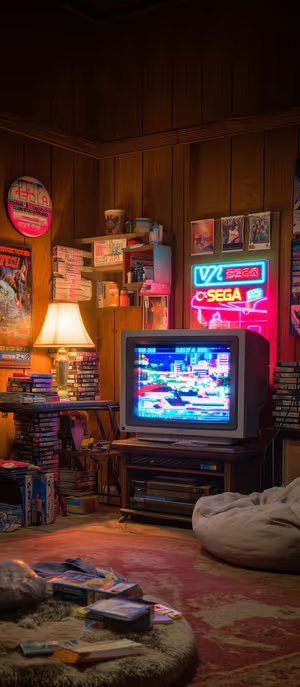
neon sega den
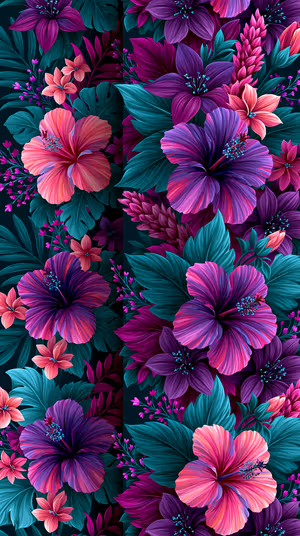
Neon Hibiscus Bloom

Neon Striped Fish

Neon Alien Valley

Neon Pyramid Portal
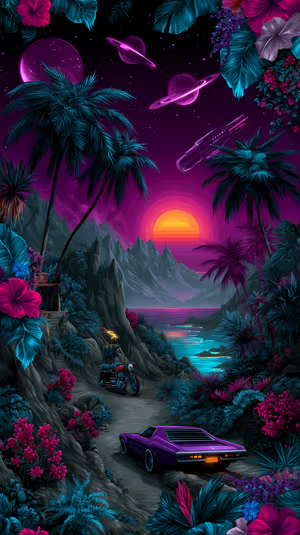
Neon Sunset Ride

Neon Leviathan Sky

Neon Night Skyline

Neon Tunnel Racer

Neon Horizon Cloudscape
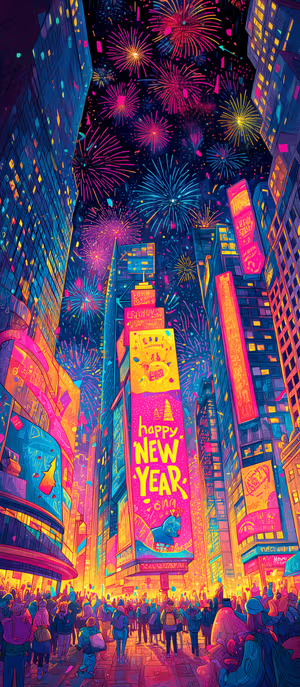
neon times square

Sleepy Neon Bear

Get every neon wallpaper free in HD
The ON Lock Screen app has new wallpapers every day. Or tap any wallpaper here to download it in 4K or 8K.

Neon Eclipse Arc

Neon Ringed Planet

Neon Saturn Frontier

Neon Skyline Night

neon forest astronaut

Neon Smoke Plume

Neon CRT Bedroom

Neon Retro Drive

Neon Waterfront Bar

Neon Cyber Bar

Neon Skull Garden

Neon Bloom Radiance

neon life layers

Neon Saguaro

Neon Skytower

Midnight Neon Corner

Neon Light Trails

Neon City Flight

Neon Night Street

Neon Rain Alley

Neon Palm Reflection

neon lightfall vortex

Neon Rainbow Vortex

Neon Nebula Waves

neon jellyfish glow

Neon Corn Path

Neon Halo Astronaut

Neon Leaf Dream
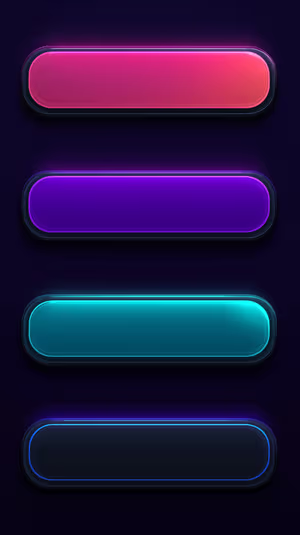
Neon Glass Bars

Neon Ridgescape

Neon Butterfly Glow

neon isometric cubes

Neon Palm Sunset

neon empire sunset

Neon Galaxy Streak

neon waveform
Related collections
About these neon wallpapers
Neon wallpapers glow. Bright lines and signs on a black background look especially vivid on OLED screens, where the dark areas are truly off.
For the full futuristic look, see cyberpunk; for 80s nostalgia, try retro.
How to set a neon wallpaper
- Tap a wallpaper above to open it.
- Download it in 4K or 8K, or get it free in HD in the ON Lock Screen app.
- On iPhone, open the image in Photos and tap Share → Use as Wallpaper. On Android, open it in Gallery or Photos and choose Set as wallpaper.
- How to Set Wallpaper in iOS 27 – Step-by-Step Guide
- How to Change Your Wallpaper on Android (Samsung, Pixel & More)
Frequently asked questions
Are these neon wallpapers free?
You can browse and preview every wallpaper here. HD versions are free in the ON Lock Screen app, and 4K and 8K files can be bought on the website with a lifetime license.
Will these wallpapers fit my phone?
Yes. They are made in a tall portrait format that fits current iPhone, Samsung Galaxy and Google Pixel screens, and the 4K and 8K files have enough resolution to crop or zoom without getting blurry.
What is the difference between 4K and 8K?
Both look sharp on a phone. 8K keeps fine detail when your phone zooms or crops the image for the Depth Effect, parallax or a foldable screen, and holds up best on the largest Pro Max and Ultra displays.