Seasonal & Holidays
Halloween Wallpapers for iPhone & Android
Pumpkins, witchy cats, haunted villages and moody gothic nights, ranked by what our community loves most.

Cosmic Purple Pumpkins
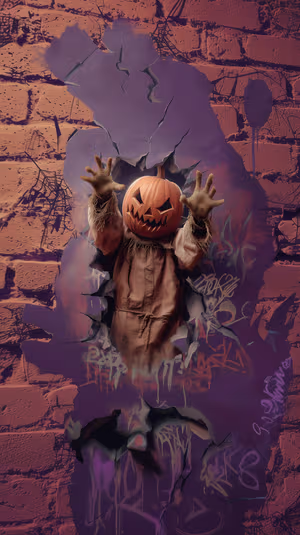
Pumpkin Breakthrough
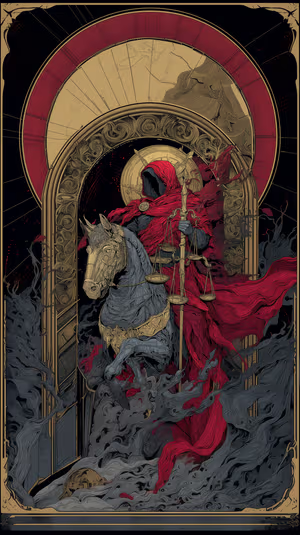
Crimson Judge of Souls
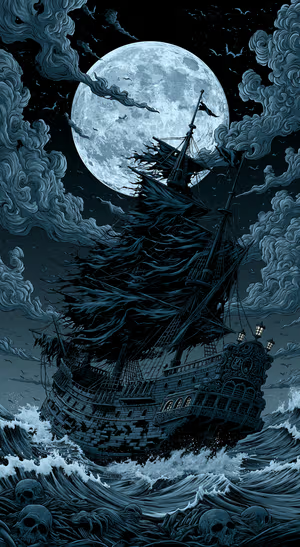
Moonlit Gothic Pirate Ship

Ember Swirl
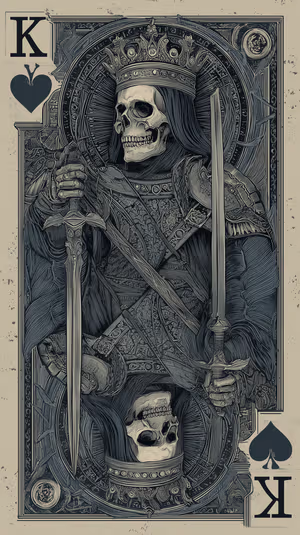
Skull King of Spades
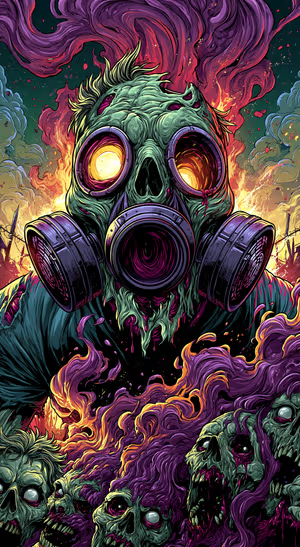
Purple Gas Mask Zombie
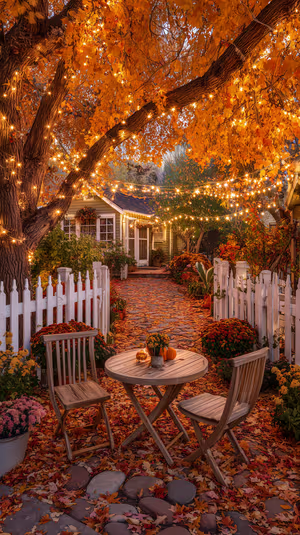
Autumn Cottage Courtyard
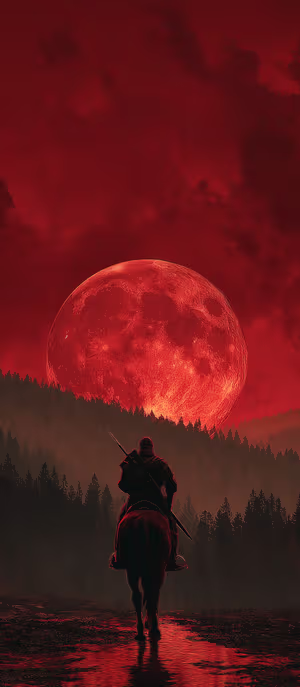
Crimson Moon Rider
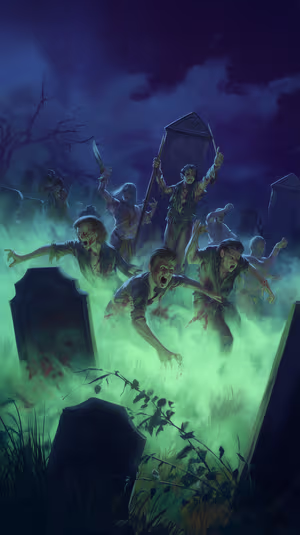
Undead Graveyard
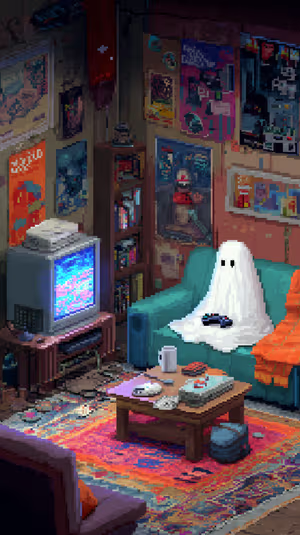
Pixel Ghost Gamer

Fiery Oni Masks

Wallpaper pack
Halloween Wallpaper Pack
10 wallpapers in one download · 4K 5.99 € · 8K 7.99 €

Nocturne Spiderweb
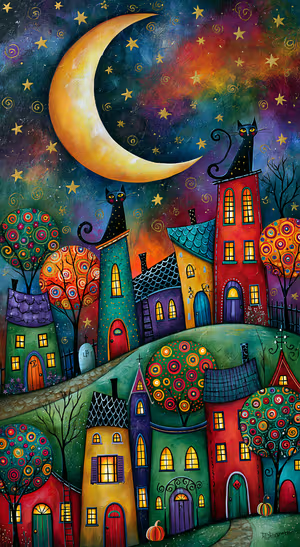
Whimsical Halloween Village
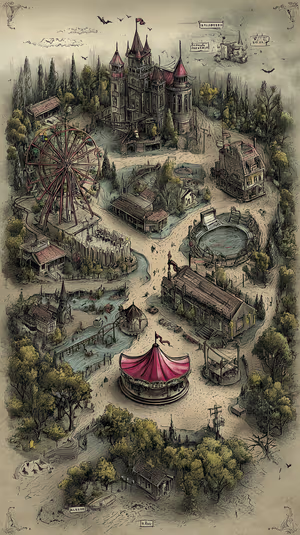
Eerie Carnival Map
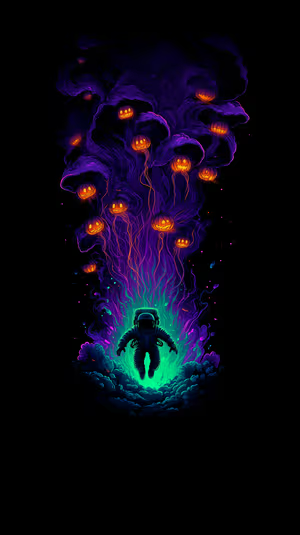
neon astronaut spirits

Orange Halloween Cottage
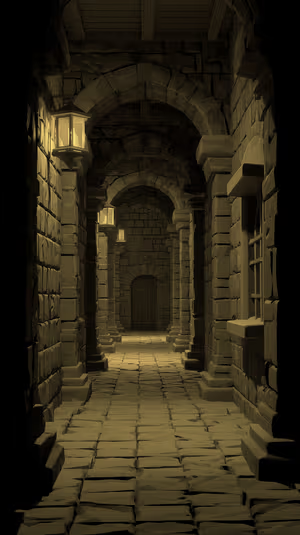
lanternlit stone corridor
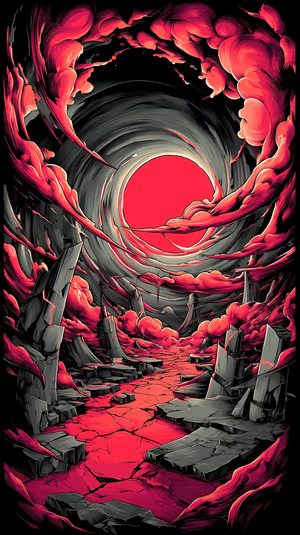
Crimson Vortex
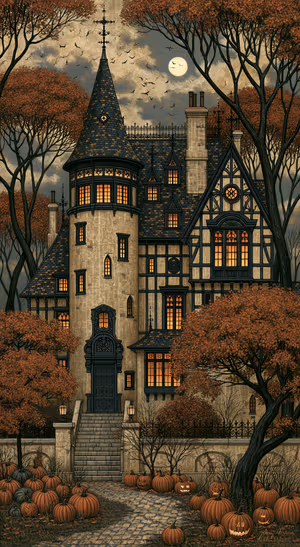
Gothic Mansion Pumpkin Courtyard
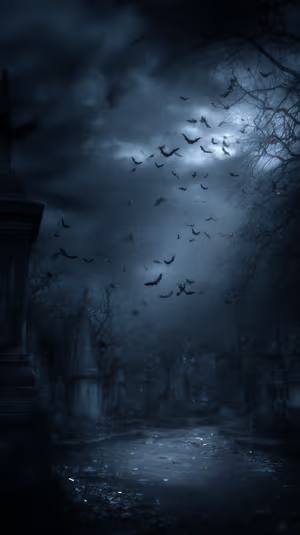
Moonlit Graveyard
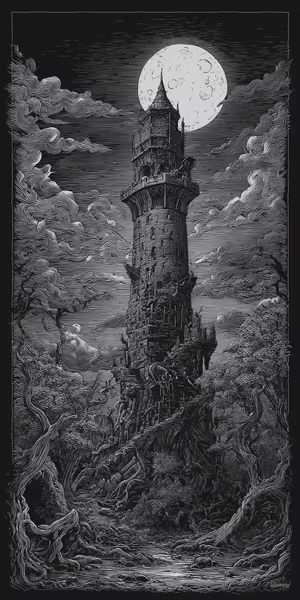
Moonlit Gothic Tower
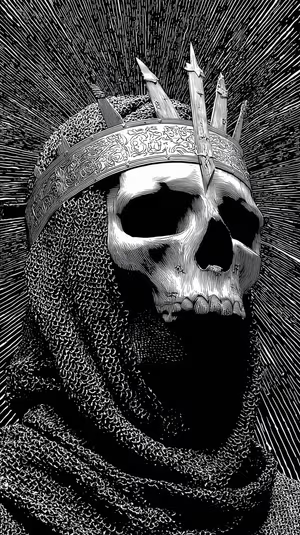
Skull King Engraving
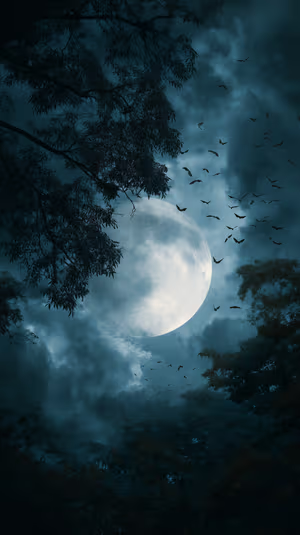
Teal Moonrise
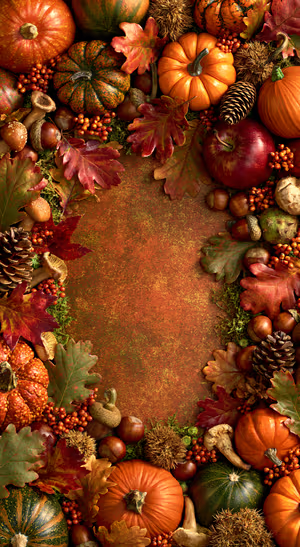
Rustic Autumn Harvest
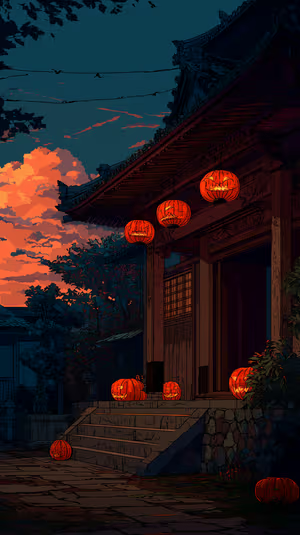
Halloween Temple Lanterns
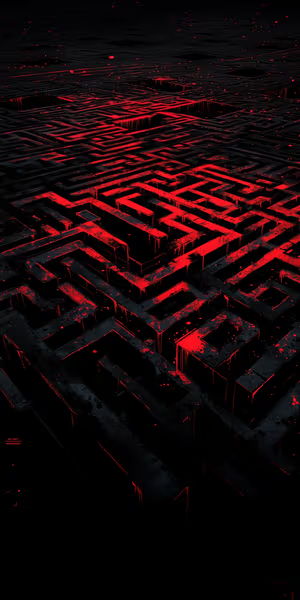
Crimson Digital Maze

Gengar Grin Silhouette
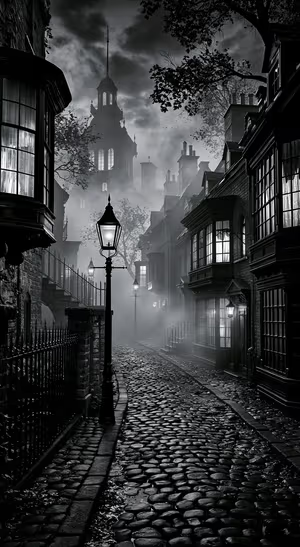
Gothic Foggy Alley
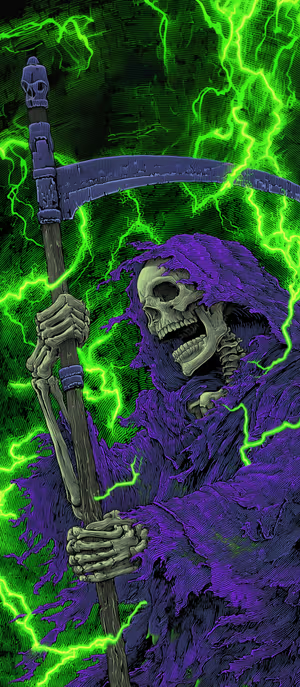
Neon Reaper
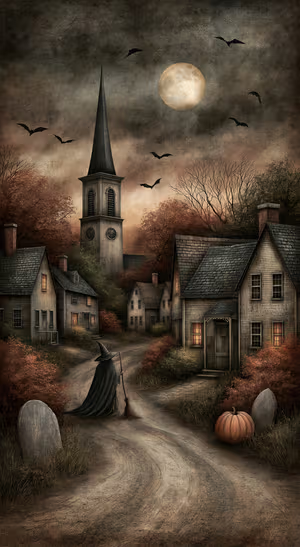
Moonlit Witchwalk
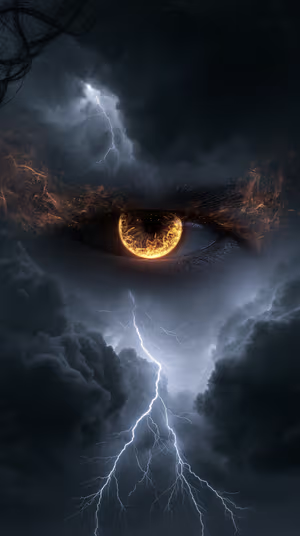
Stormfire Eye
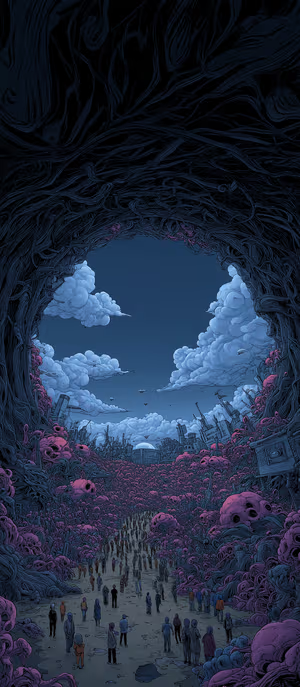
skull vine tunnel
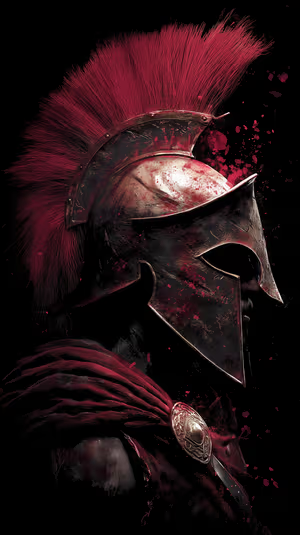
crimson spartan helm

Felted Pond Friends
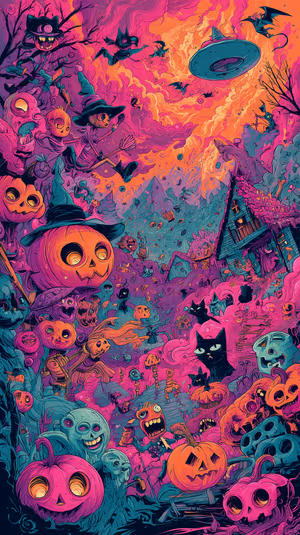
Neon Pumpkin Night
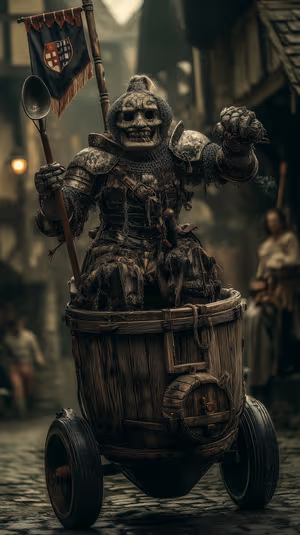
Barrel Cart Knight

Kraken Galleon
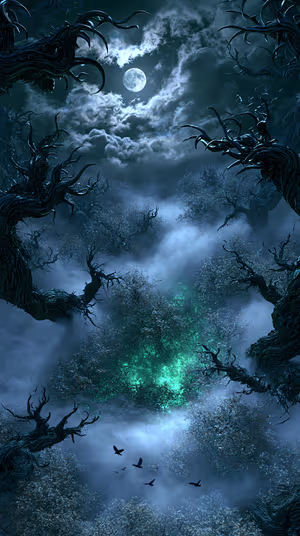
Moonlit Wraithwood
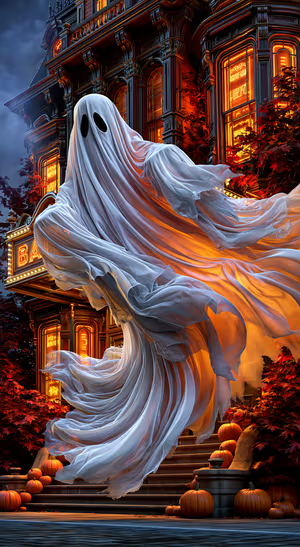
Gothic Ghost Mansion
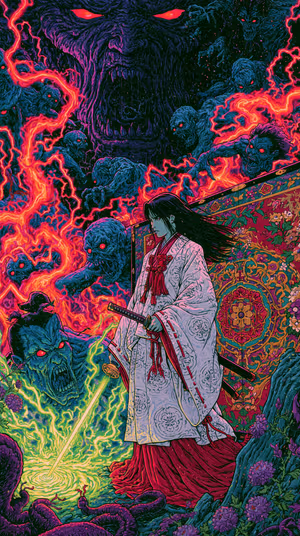
Onryo Duel
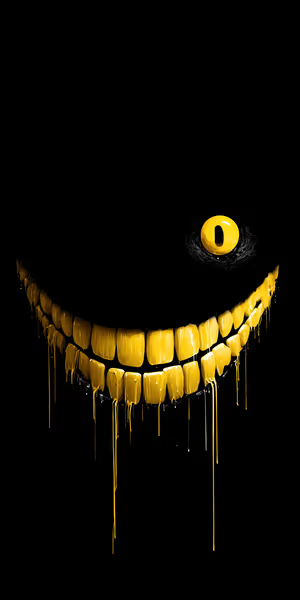
Dripping Yellow Grin
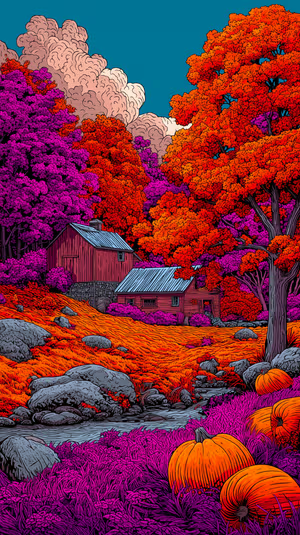
Surreal Pumpkin Farm
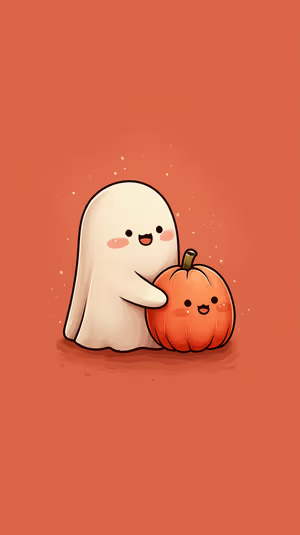
Pumpkin Hug Ghost
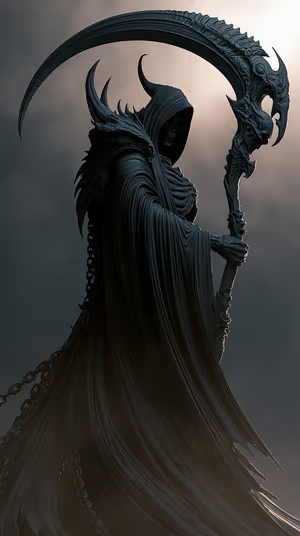
Obsidian Reaper
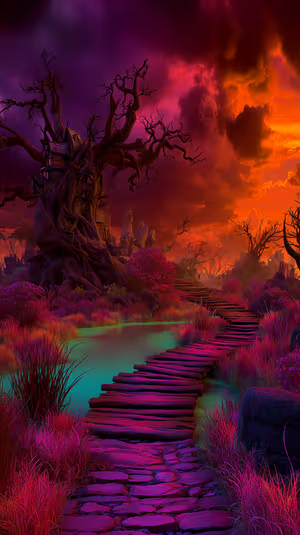
Mystic Treehouse Path
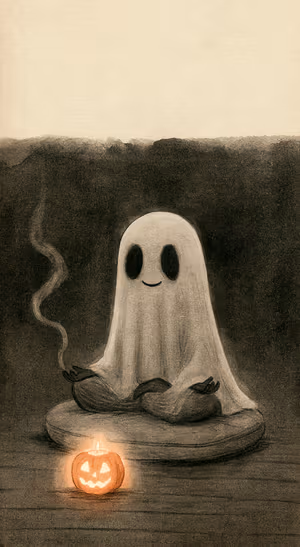
Sepia Meditating Ghost

Fiery Planet Horizon
Related collections
About these halloween wallpapers
Halloween is the one time of year a lock screen is allowed to be a little dramatic. This collection mixes cute Halloween scenes — smiling pumpkins, cozy witches, ghosts that look more friendly than frightening — with darker, spooky Halloween art like candlelit manors and misty graveyards.
Most designs sit on deep blacks and warm oranges, so they look rich on OLED screens and keep the clock easy to read. Pair one with a fall wallpaper on your Home Screen for an October setup that lasts all month.
How to set a halloween wallpaper
- Tap a wallpaper above to open it.
- Download it in 4K or 8K, or get it free in HD in the ON Lock Screen app.
- On iPhone, open the image in Photos and tap Share → Use as Wallpaper. On Android, open it in Gallery or Photos and choose Set as wallpaper.
- How to Set Wallpaper in iOS 27 – Step-by-Step Guide
- How to Change Your Wallpaper on Android (Samsung, Pixel & More)
Frequently asked questions
When should I switch to a Halloween wallpaper?
Most people switch at the start of October and keep it until November 1. Cute pumpkin and autumn-leaning designs also work all through fall.
Do you have cute Halloween wallpapers, not just scary ones?
Yes. The collection mixes cute pumpkins, friendly ghosts and cozy witches with darker gothic scenes, so you can pick the mood you want.
Can I get the whole Halloween collection at once?
Yes. The Halloween Wallpaper Pack pack bundles 10 of these wallpapers in 4K or 8K for one price, with a lifetime license.
Are these halloween wallpapers free?
You can browse and preview every wallpaper here. HD versions are free in the ON Lock Screen app, and 4K and 8K files can be bought on the website with a lifetime license.
Will these wallpapers fit my phone?
Yes. They are made in a tall portrait format that fits current iPhone, Samsung Galaxy and Google Pixel screens, and the 4K and 8K files have enough resolution to crop or zoom without getting blurry.
What is the difference between 4K and 8K?
Both look sharp on a phone. 8K keeps fine detail when your phone zooms or crops the image for the Depth Effect, parallax or a foldable screen, and holds up best on the largest Pro Max and Ultra displays.