Colors
Black Wallpapers for iPhone & Android (AMOLED)
Deep, true-black designs that make OLED screens look infinite — and keep the clock crisp.
Black Hole Vortex
Black Hole Jet Stream
Layered Dark Fantasy World

Burgundy Peony Bouquet
Neon Fluid Ribbons
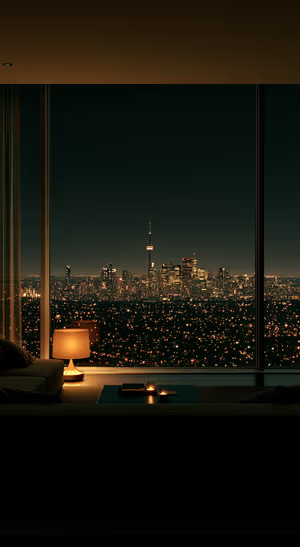
Moody City Skyline

midnight asteroids
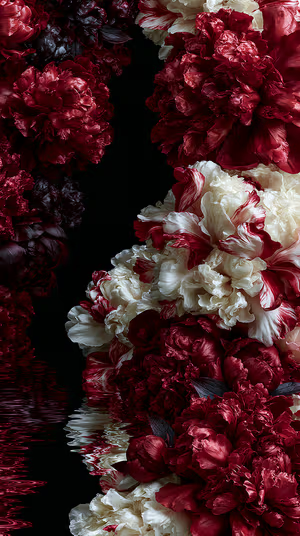
Crimson Cream Peonies
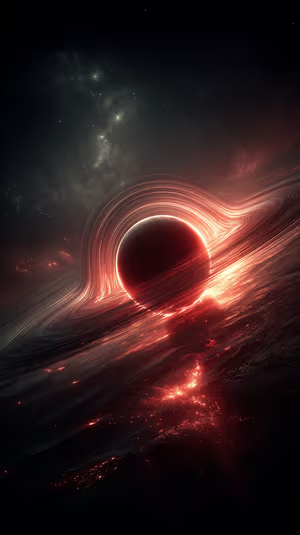
Crimson Singularity
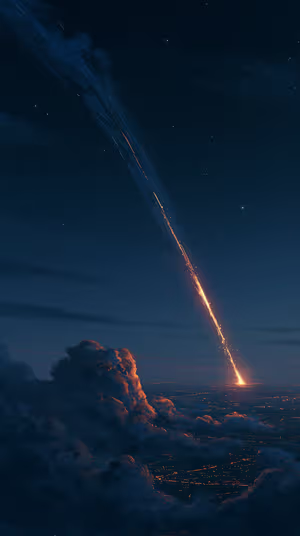
Fiery Meteor Descent
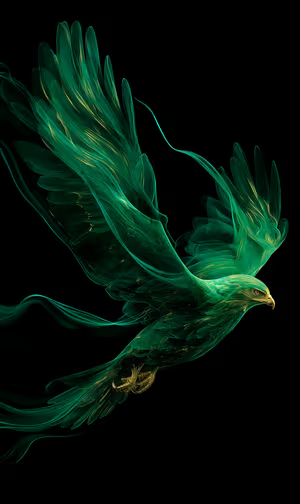
Emerald Falcon
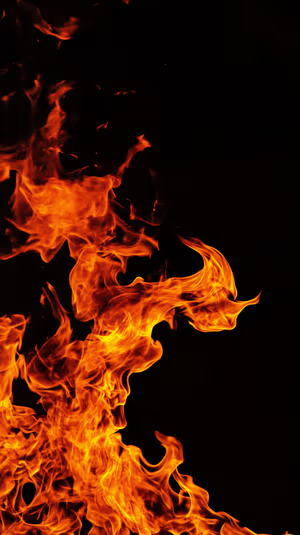
Ember Swirl

Wallpaper pack
Black AMOLED Wallpaper Pack
10 wallpapers in one download · 4K 5.99 € · 8K 7.99 €
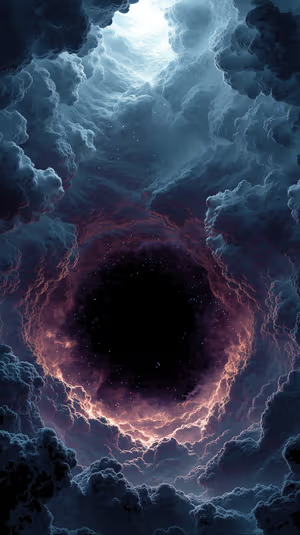
Cosmic Vortex Portal
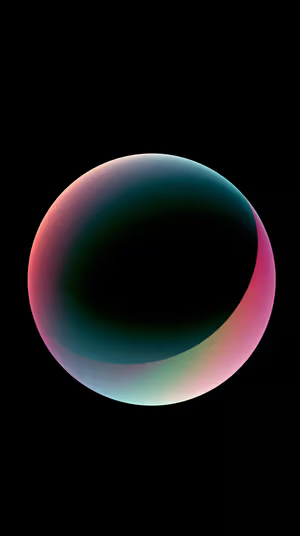
Ethereal Gradient Orb
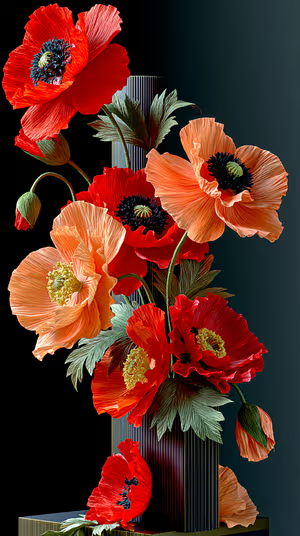
Crimson Poppy Still Life
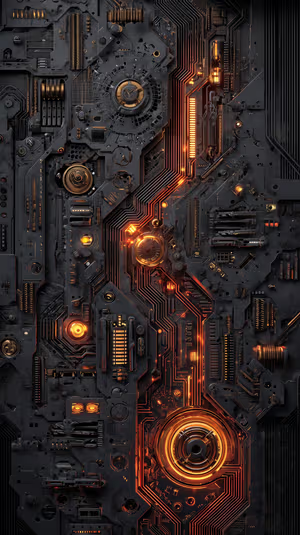
Amber Circuit Core
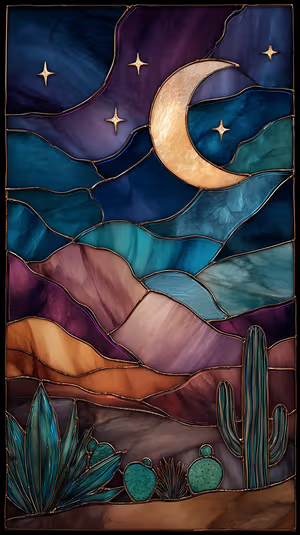
Moonlit Desert Glass
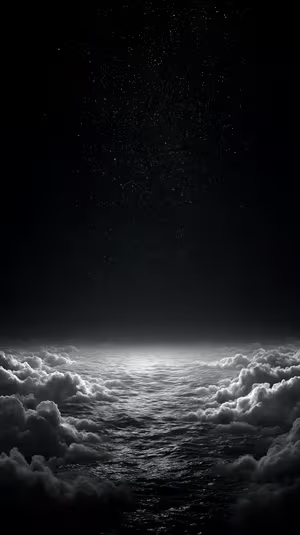
Nocturnal Star Sea

Plaguewood Warden
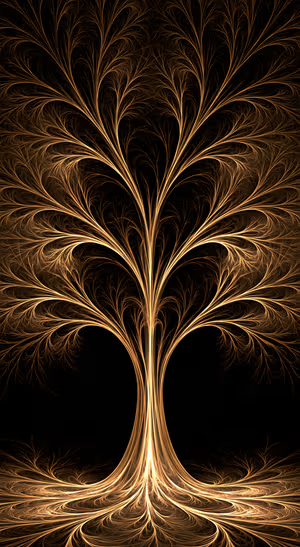
Golden Fractal Tree
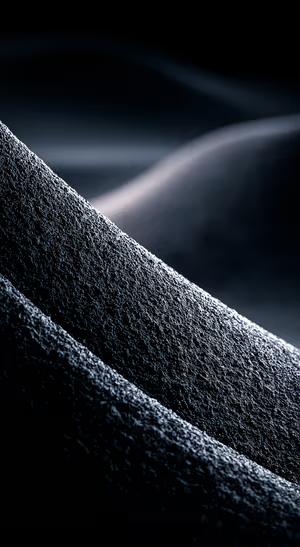
Midnight Dune Macro
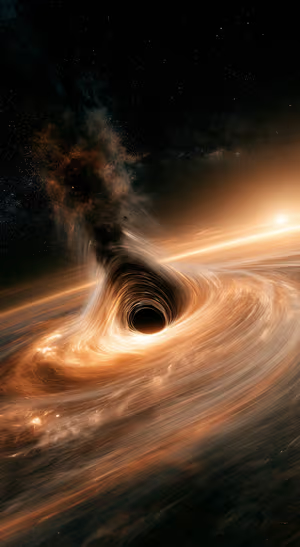
Amber Black Hole Accretion Disk
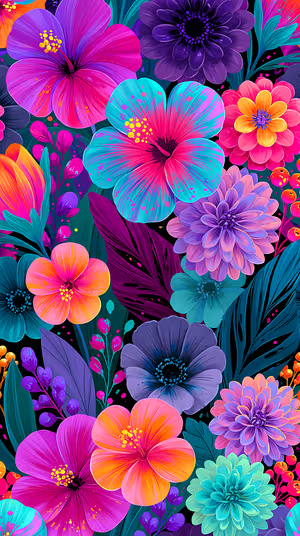
Neon Tropical Bloom
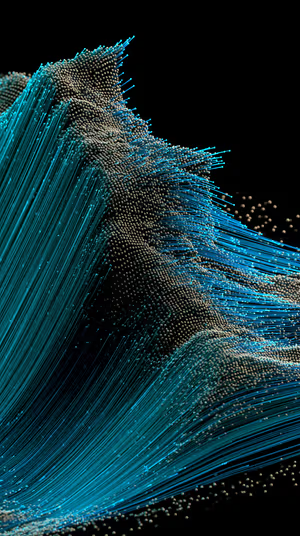
Kinetic Particle Wave

Neon Night Skyline
Black Slate Texture
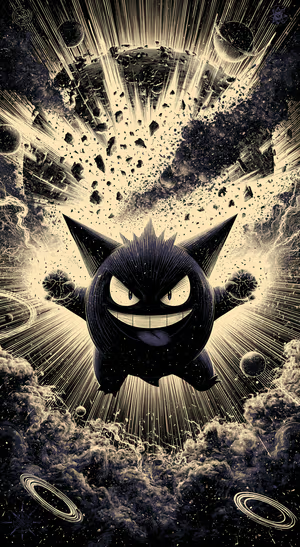
Gengar Supernova
Midnight Ripples

Neon Currents Topography
neon wave ribbons
Bronze Hex Stone
Smoky Black King
Neon Teal Blocks
Modern Stage Spotlights
Crimson Planet Horizon
Black Layered Squares
starry dune night
Layered Pill Bars
neon cosmic vortex
Neon Spectrum Light Trails

Deep Teal Textured Surface
Midnight Baroque Damask
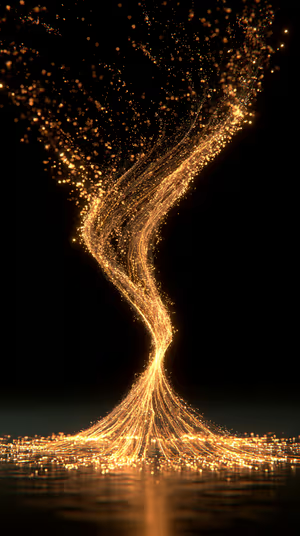
Golden Particle Vortex
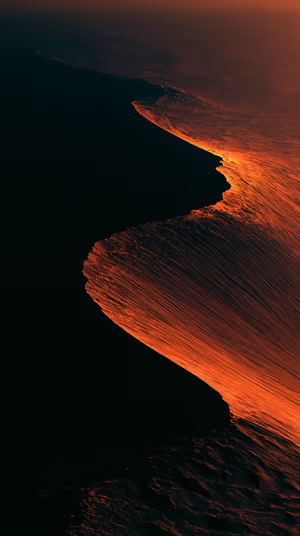
Molten Coastline
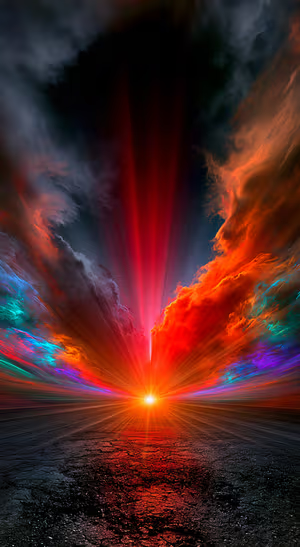
Dramatic Cosmic Light Burst

Japanese Castle Bronze Clouds
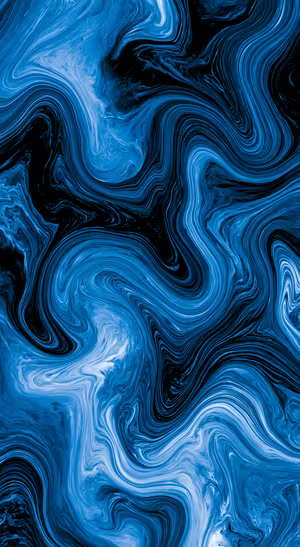
Blue Black Fluid Marble
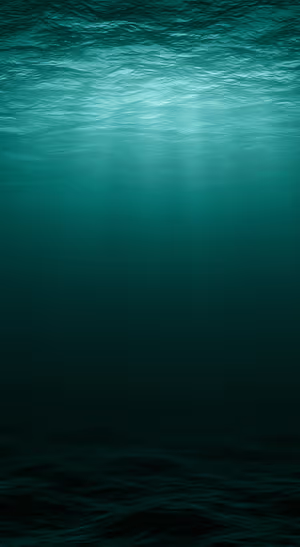
Teal Deep Ocean
Related collections
About these black wallpapers
On an OLED or AMOLED screen, black pixels are switched off. That’s why black wallpapers look so deep: a glowing planet, a neon line or a single flower seems to float on nothing. Every wallpaper here has a genuinely dark dominant color, not just a dark title.
Dark wallpapers can also save a little battery. Our guide to AMOLED black wallpapers explains how much. For more moody options, try gothic or space.
How to set a black wallpaper
- Tap a wallpaper above to open it.
- Download it in 4K or 8K, or get it free in HD in the ON Lock Screen app.
- On iPhone, open the image in Photos and tap Share → Use as Wallpaper. On Android, open it in Gallery or Photos and choose Set as wallpaper.
- AMOLED Black Wallpapers for Android: Do They Save Battery?
- How to Set Wallpaper in iOS 27 – Step-by-Step Guide
Frequently asked questions
Do black wallpapers save battery?
On OLED and AMOLED screens, yes, a little: black pixels are off and use no power. The effect is largest with Dark Mode and an always-on display. On LCD screens there is no saving.
Can I get the whole Black collection at once?
Yes. The Black AMOLED Wallpaper Pack pack bundles 10 of these wallpapers in 4K or 8K for one price, with a lifetime license.
Are these black wallpapers free?
You can browse and preview every wallpaper here. HD versions are free in the ON Lock Screen app, and 4K and 8K files can be bought on the website with a lifetime license.
Will these wallpapers fit my phone?
Yes. They are made in a tall portrait format that fits current iPhone, Samsung Galaxy and Google Pixel screens, and the 4K and 8K files have enough resolution to crop or zoom without getting blurry.
What is the difference between 4K and 8K?
Both look sharp on a phone. 8K keeps fine detail when your phone zooms or crops the image for the Depth Effect, parallax or a foldable screen, and holds up best on the largest Pro Max and Ultra displays.