Art Styles
Liquid Glass Wallpapers for iPhone
Glossy glass, liquid chrome and iridescent surfaces that match Apple’s Liquid Glass design.

Holographic Molecules

iridescent bubble sky
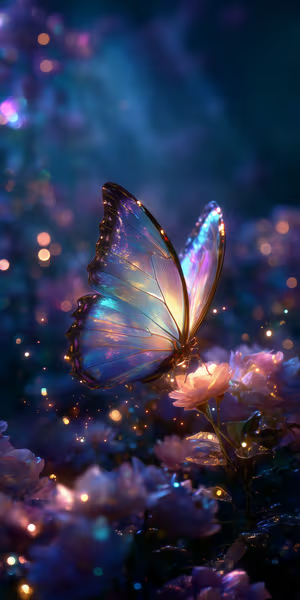
Moonlit Butterfly Glow

Golden Glass Knight
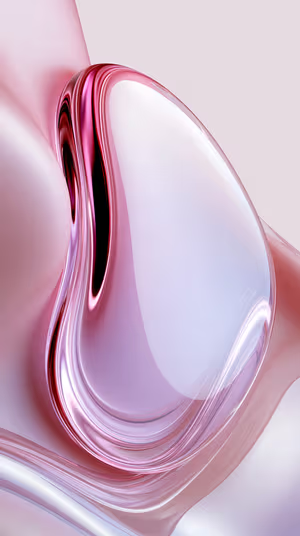
Pearlescent Pink Droplet
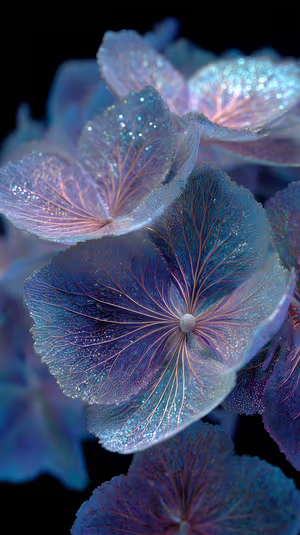
Iridescent Hydrangea Bloom
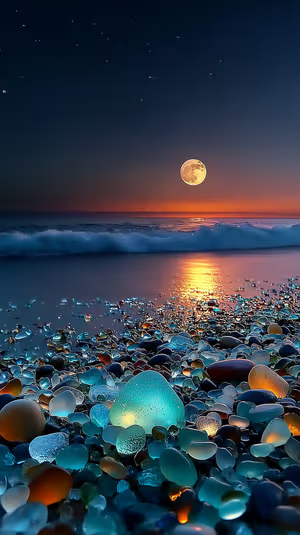
Moonlit Sea Glass
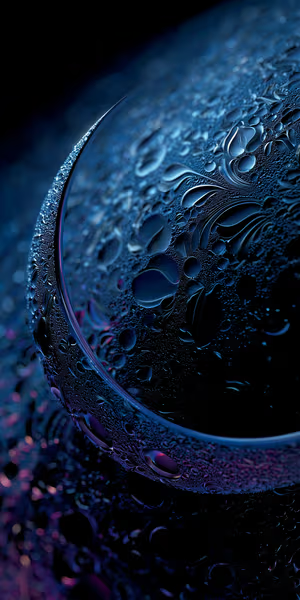
Midnight Droplet Orb
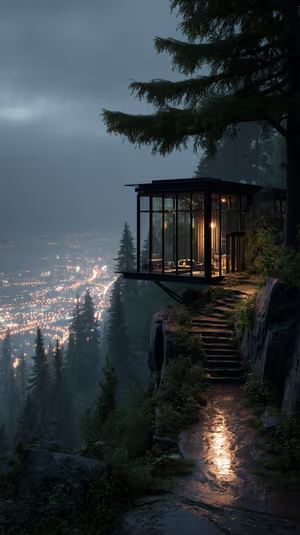
Cliffside Glass Cabin
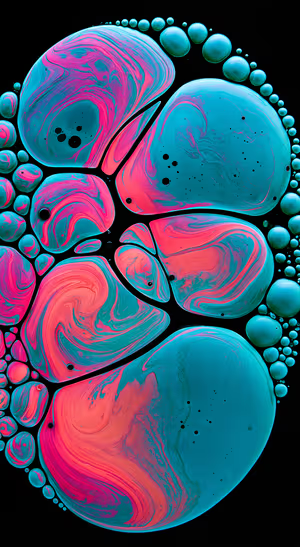
Teal Pink Fluid Bubbles
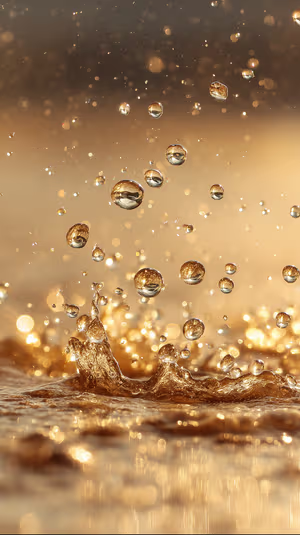
Liquid Gold Droplets

Sapphire Glass Twist

Get every liquid glass wallpaper free in HD
The ON Lock Screen app has new wallpapers every day. Or tap any wallpaper here to download it in 4K or 8K.
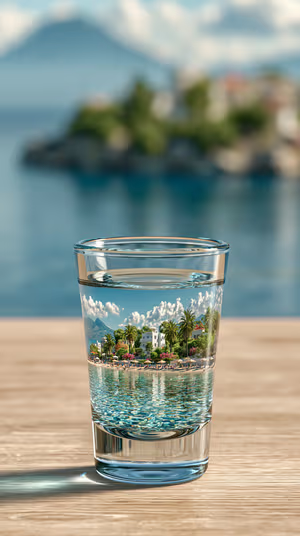
Shot Glass Seascape
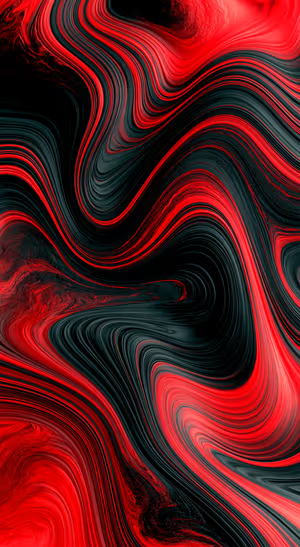
Crimson Liquid Flow

Aqua Glass Sculpture
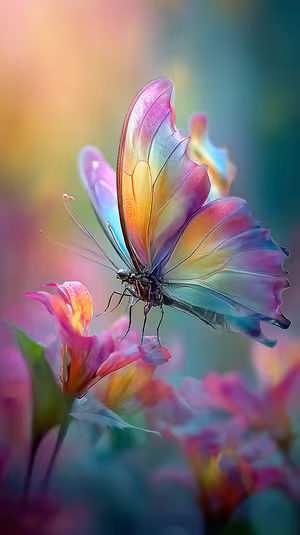
Iridescent Pastel Butterfly
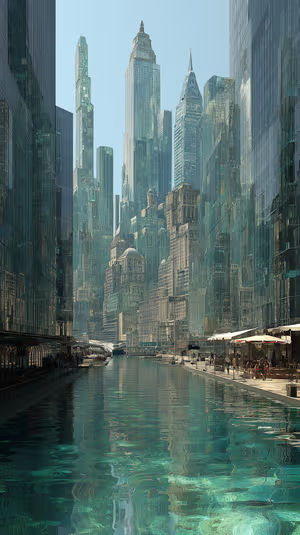
Emerald Canal Metropolis

Ethereal Glass Blossoms
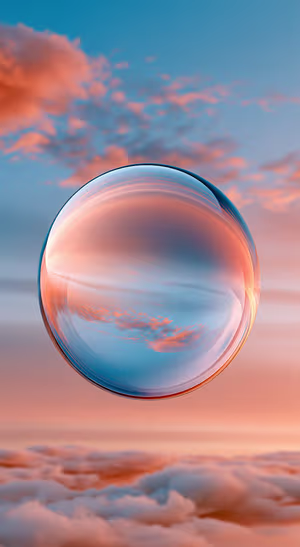
Surreal Coral Sky Sphere

Raindrop Glass Macro
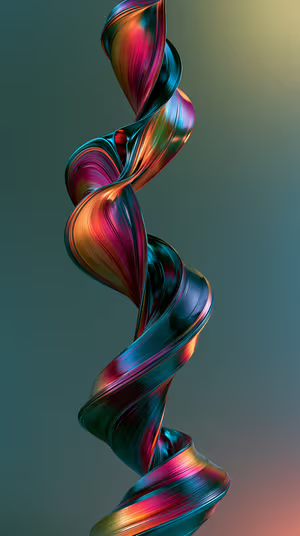
Iridescent Ribbon Helix
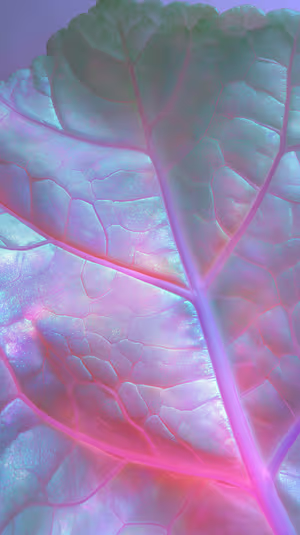
Pearlescent Leaf Macro
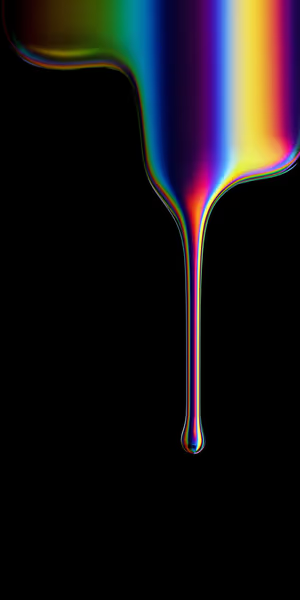
Iridescent Drip
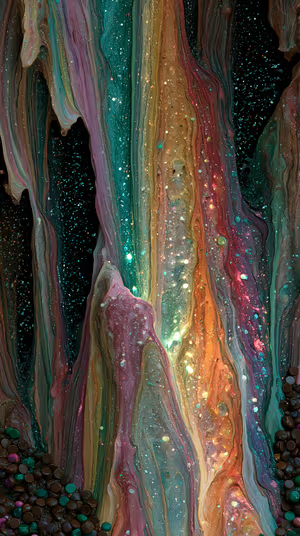
Iridescent Paintfall
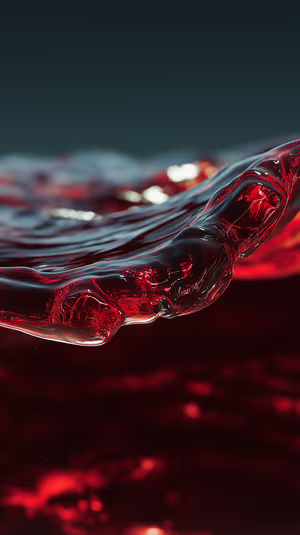
Crimson Glass Wave
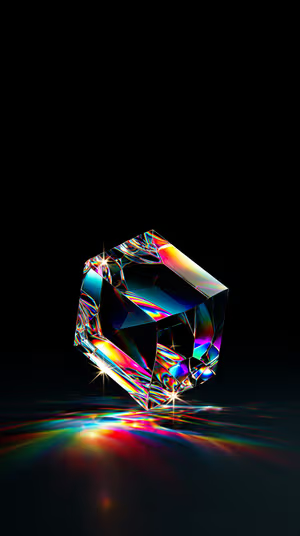
Prismatic Glass Cube
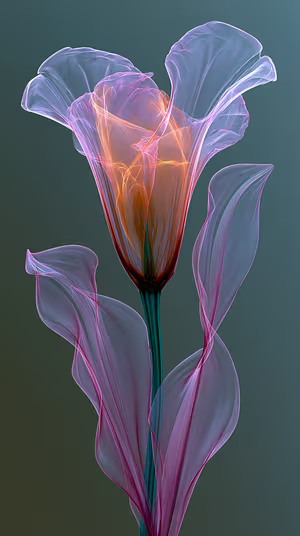
Ethereal Glass Lily
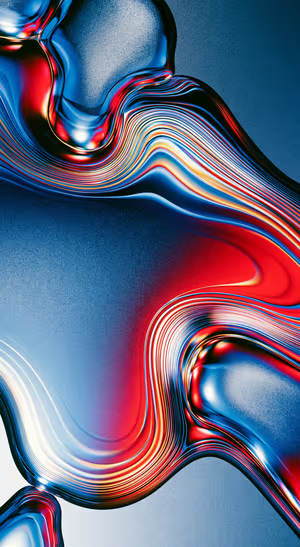
Blue Red Liquid Chrome
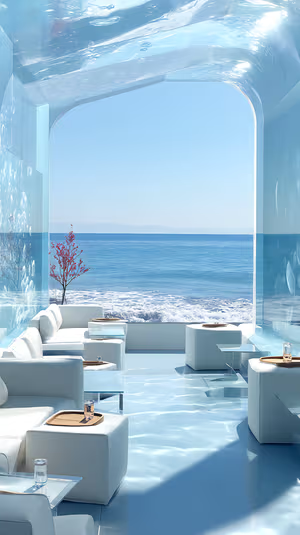
Seaside Luxe Lounge
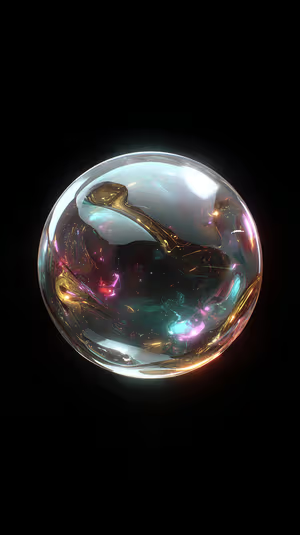
Iridescent Orb
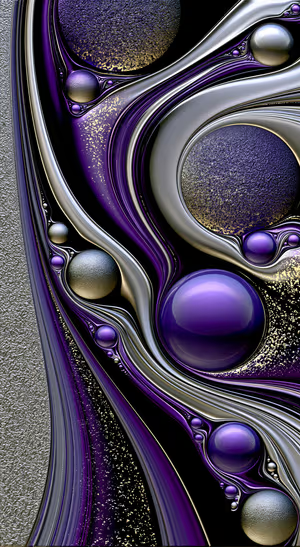
Purple Chrome Orb Flow
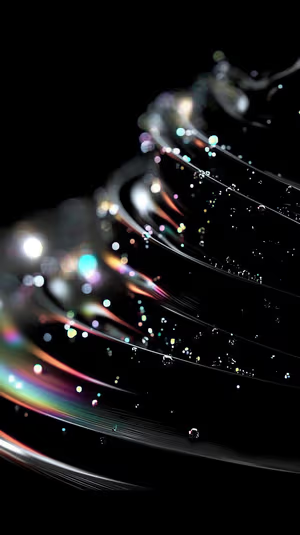
Iridescent Light Streaks

Neon Glass Rose

Shimmering Blue Orbs
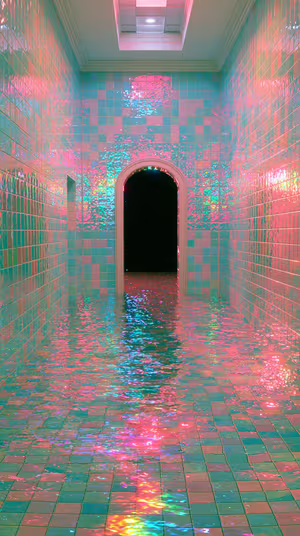
Iridescent Tile Corridor
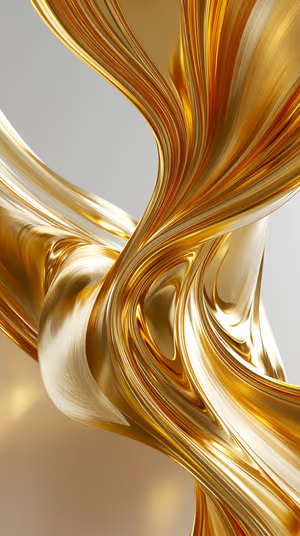
Liquid Gold Swirl
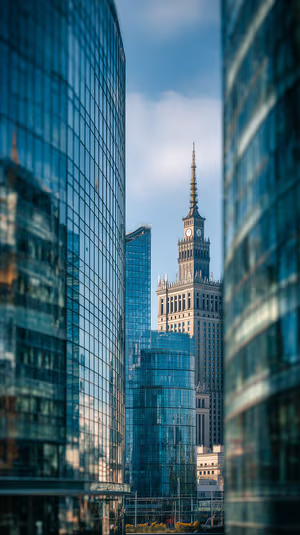
Glass Framed Clocktower
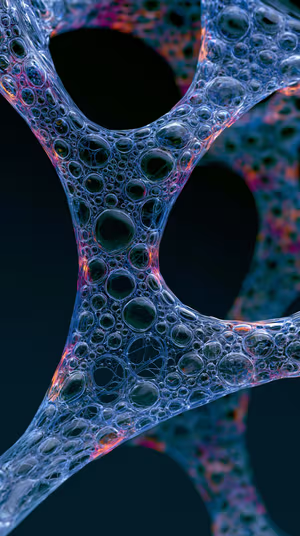
Iridescent Bubble Mesh
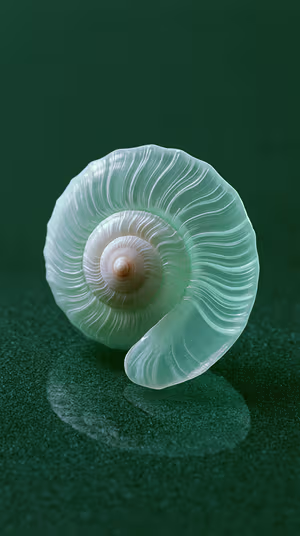
Sea Glass Spiral

Glass Tank Turtle
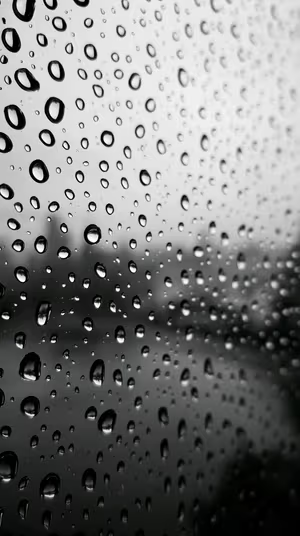
Rain On Glass

Iridescent Butterfly Wings
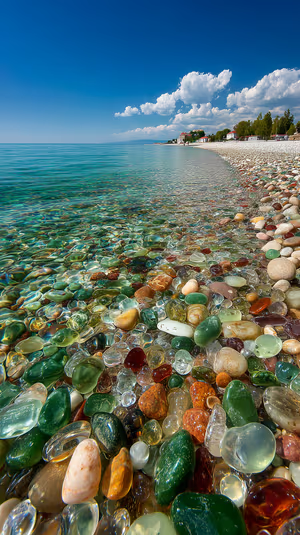
glass beach pebbles
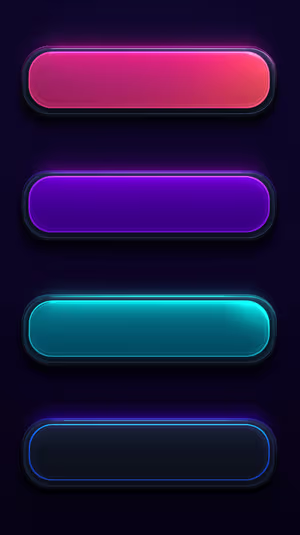
Neon Glass Bars
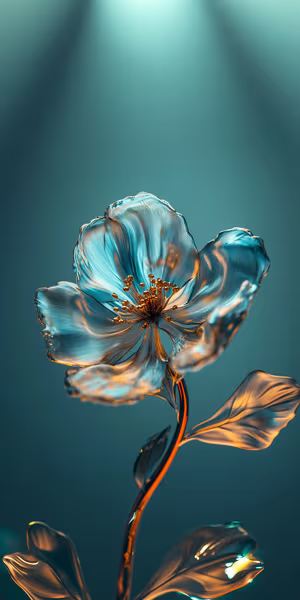
Teal Glass Bloom
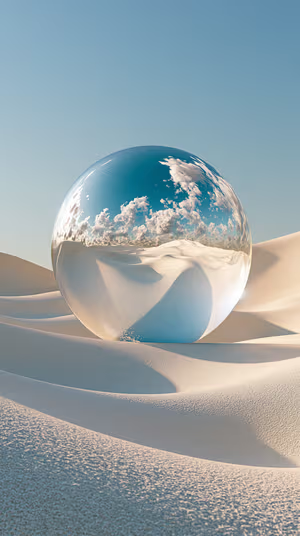
Surreal Glass Orb
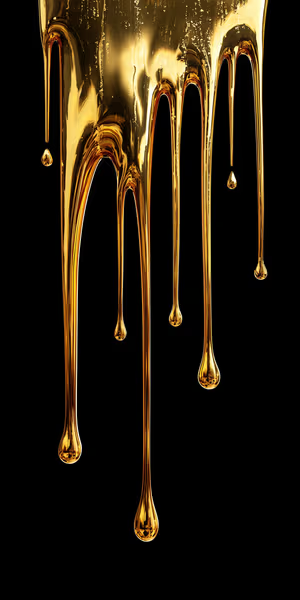
Liquid Gold Drip
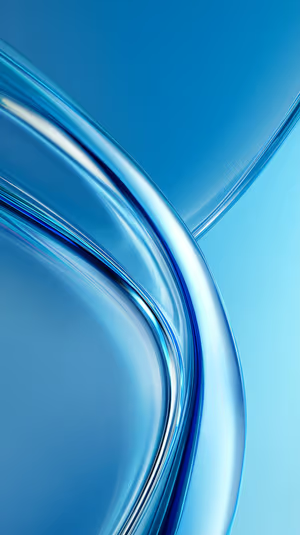
Glossy Blue Ribbons
Related collections
About these liquid glass wallpapers
Apple’s Liquid Glass design makes the clock, widgets and controls look like translucent glass. These wallpapers lean into that look with glossy glass forms, liquid metal and iridescent light.
The glass picks up the colors behind it, so a wallpaper with smooth tones keeps the clock readable. Tune it further with the Liquid Glass slider in iOS 27.
How to set a liquid glass wallpaper
- Tap a wallpaper above to open it.
- Download it in 4K or 8K, or get it free in HD in the ON Lock Screen app.
- On iPhone, open the image in Photos and tap Share → Use as Wallpaper. On Android, open it in Gallery or Photos and choose Set as wallpaper.
- How to Adjust Liquid Glass in iOS 27 (Clearer or More Tinted)
- iOS 27 Lock Screen: Every New Feature and How to Use It
Frequently asked questions
Which wallpapers work best with Liquid Glass?
Wallpapers with smooth color and less fine detail behind the clock. Busy patterns can make glass elements harder to read; the Liquid Glass slider in iOS 27 lets you make them more tinted.
Are these liquid glass wallpapers free?
You can browse and preview every wallpaper here. HD versions are free in the ON Lock Screen app, and 4K and 8K files can be bought on the website with a lifetime license.
Will these wallpapers fit my phone?
Yes. They are made in a tall portrait format that fits current iPhone, Samsung Galaxy and Google Pixel screens, and the 4K and 8K files have enough resolution to crop or zoom without getting blurry.
What is the difference between 4K and 8K?
Both look sharp on a phone. 8K keeps fine detail when your phone zooms or crops the image for the Depth Effect, parallax or a foldable screen, and holds up best on the largest Pro Max and Ultra displays.