Devices & Features
Depth Effect Wallpapers for iPhone
A clear subject in the lower half — so the clock can sit behind it.

Baby Penguin Rose
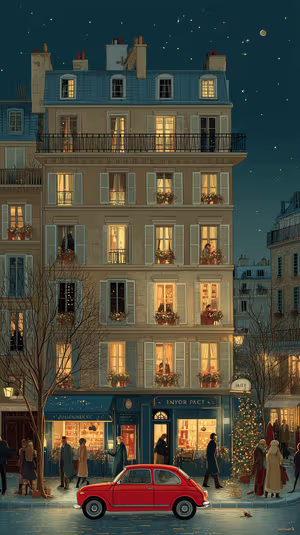
Paris Night Avenue

graybeard defiance
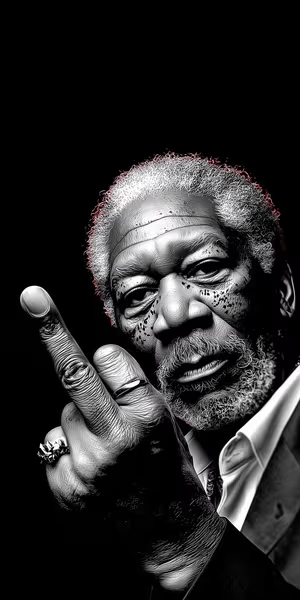
defiant monochrome portrait

Sunlit Mediterranean Alley

Headphone Stroll
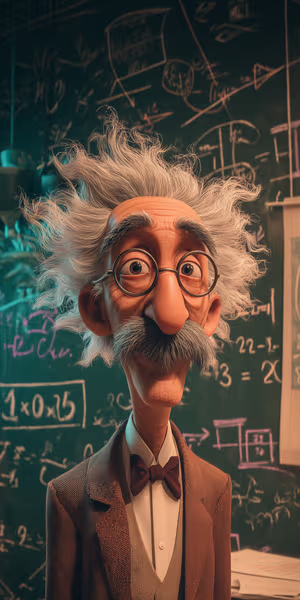
Chalkboard Professor
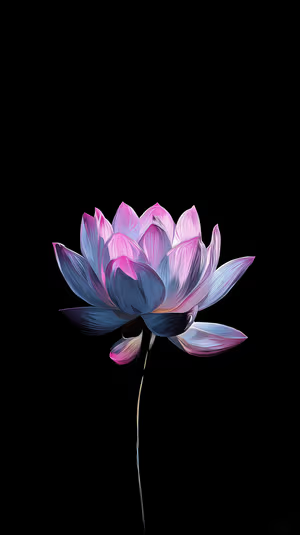
Neon Lotus Bloom
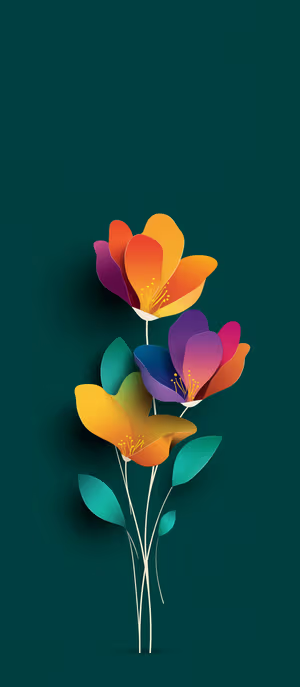
Papercut Bloom
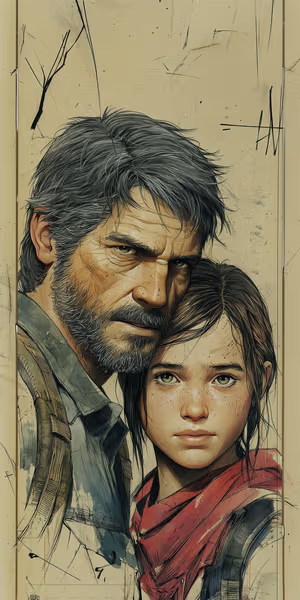
Gritty Survivor Duo
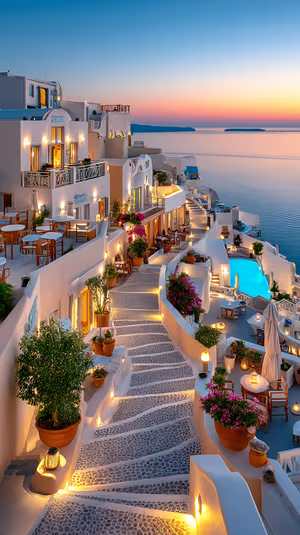
Santorini Sunset Stairway
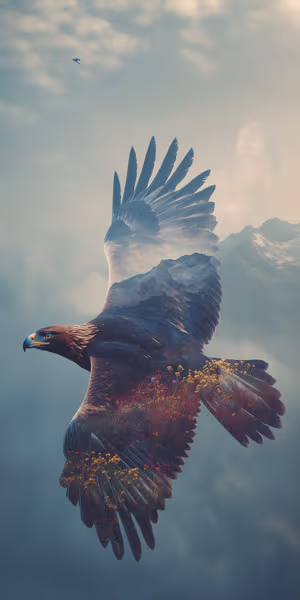
Misty Peak Eagle

Get every depth effect wallpaper free in HD
The ON Lock Screen app has new wallpapers every day. Or tap any wallpaper here to download it in 4K or 8K.
Antique Parchment Frame

violet petal swirl
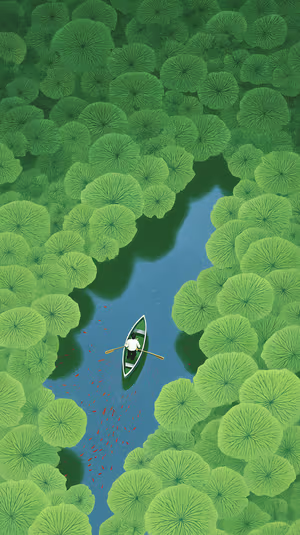
Canoe Among Lilies
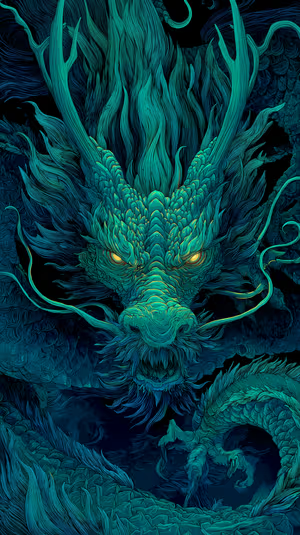
Emerald Fury Dragon
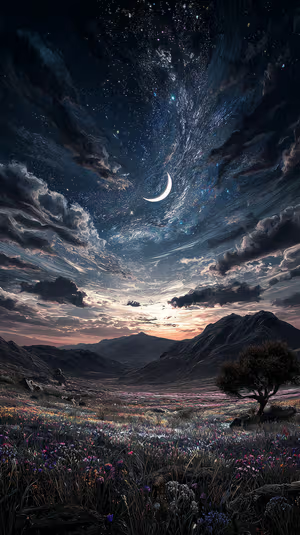
Crescent Meadow
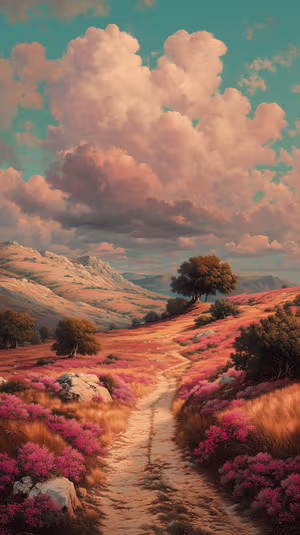
Pink Meadow Path

crescent moon valley
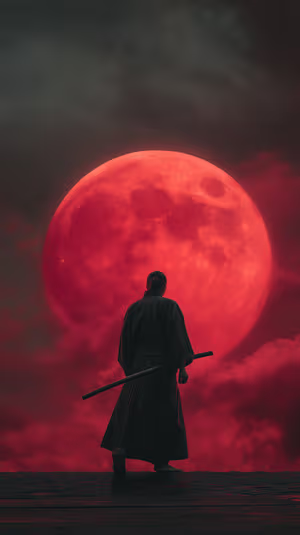
Crimson Moon Samurai
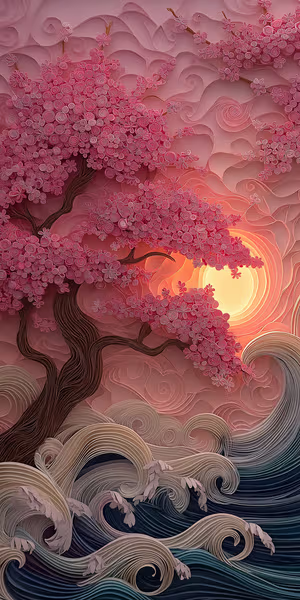
Sunset Sakura Paper Cut
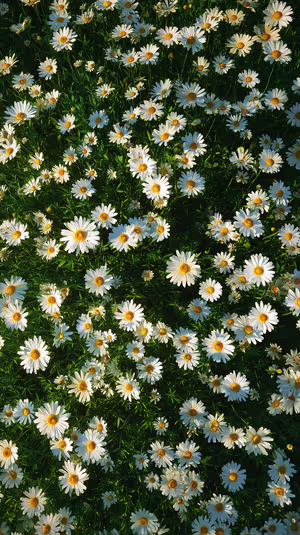
Sunlit Daisy Field
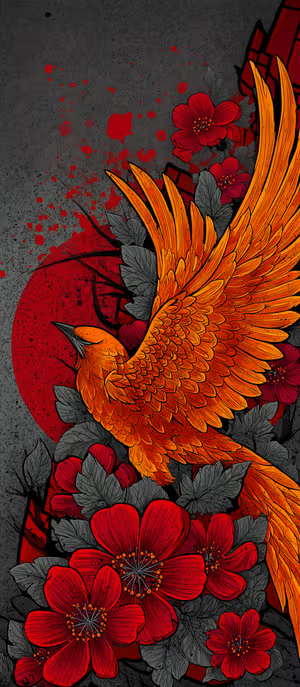
Fiery Phoenix Bloom
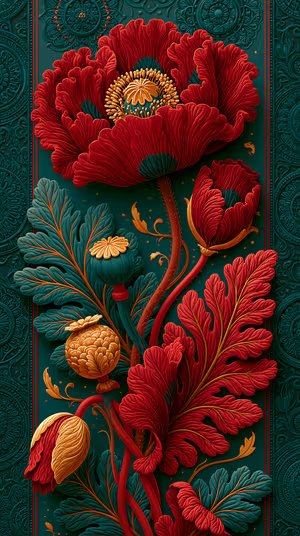
Crimson Poppy Relief
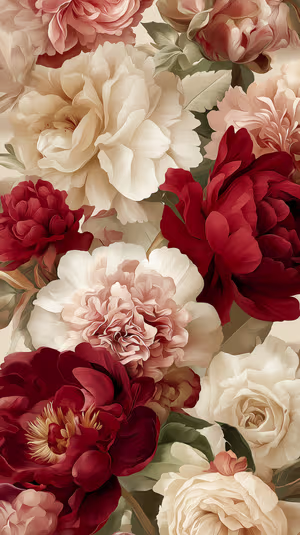
Peony Elegance
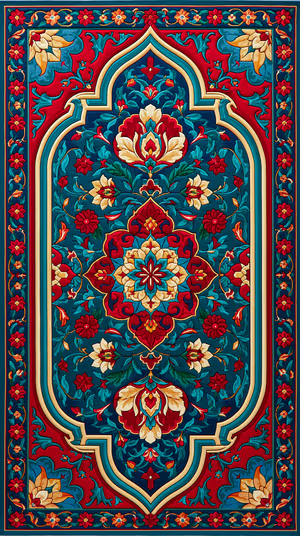
Regal Persian Medallion

gucci bloom lips
Golden Bloom Pattern

Burgundy Peony Bouquet
lunar cat silhouette
Teal Sunset Orchids
Serene Chrysanthemum Outline
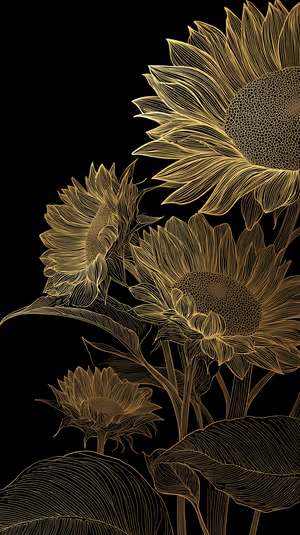
Gold Sunflower Lineart
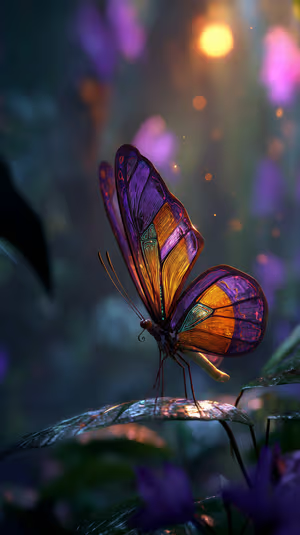
Radiant Twilight Butterfly
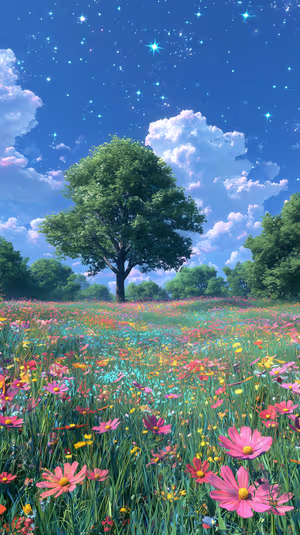
Starry Meadow Tree
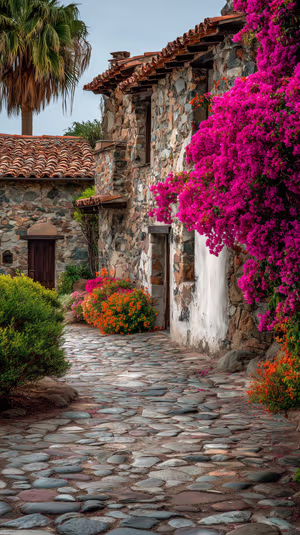
Bougainvillea Cottage Path
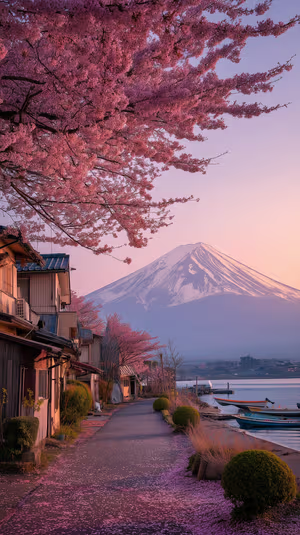
Sakura Fuji Dawn
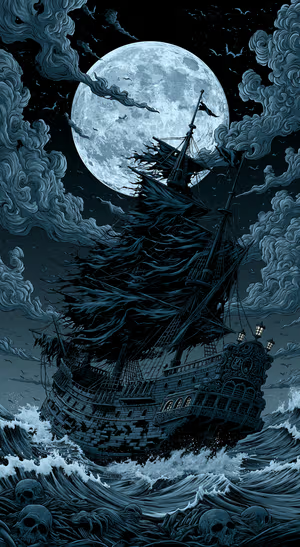
Moonlit Gothic Pirate Ship
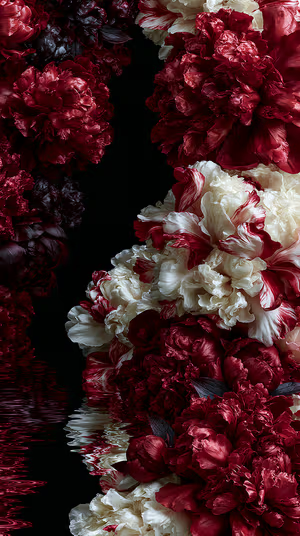
Crimson Cream Peonies
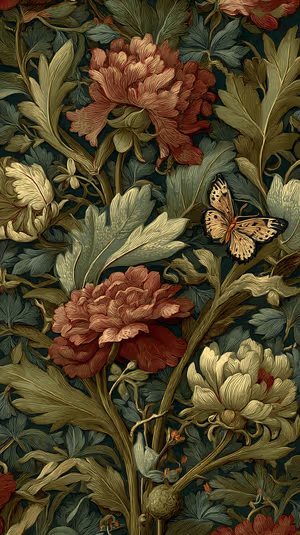
Ivory Red Peony
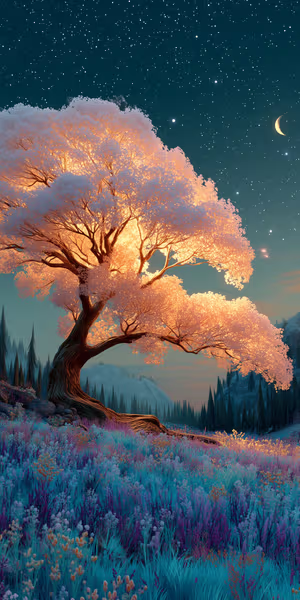
Moonlit Cherry Blossom
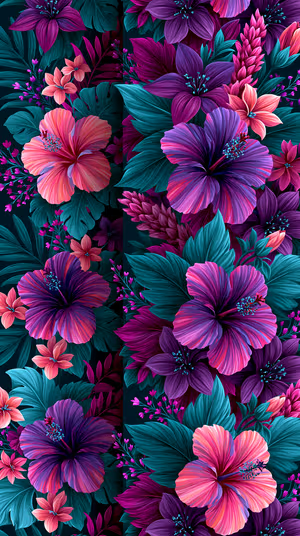
Neon Hibiscus Bloom
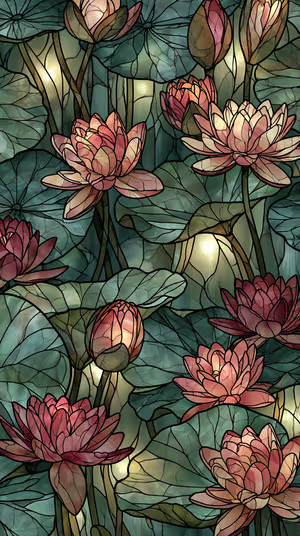
Stained Glass Lotus
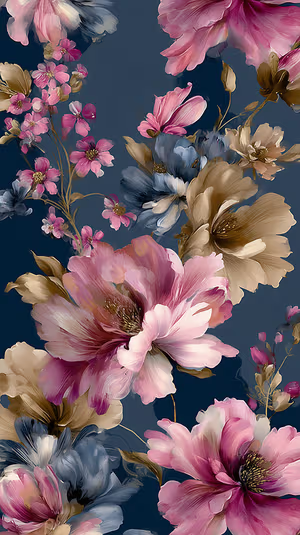
Painterly Navy Blooms

Koi Pond Rowboat
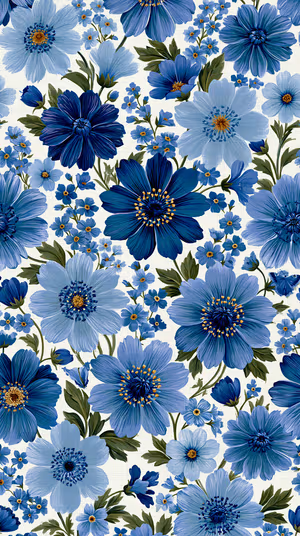
Cobalt Floral Pattern
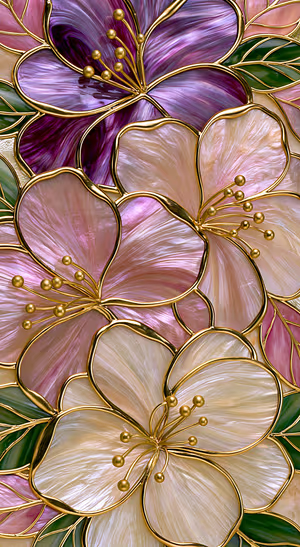
Gilded Opal Blossom
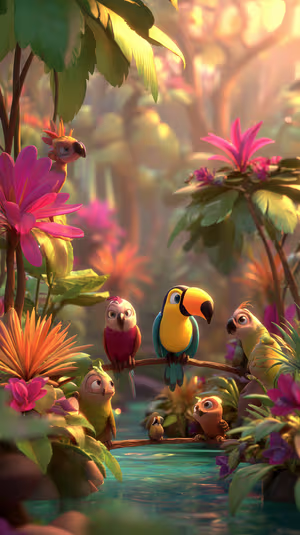
Sunlit Toucan
Related collections
About these depth effect wallpapers
Depth Effect only looks good when the wallpaper has a subject the clock can tuck behind: a flower, a moon, a mountain peak, a portrait. Busy textures and flat gradients usually fail.
If Depth Effect will not turn on, the photo is usually too flat or the subject sits too high. 8K files give iOS more pixels to mask. See also flowers and moon.
How to set a depth effect wallpaper
- Tap a wallpaper above to open it.
- Download it in 4K or 8K, or get it free in HD in the ON Lock Screen app.
- On iPhone, open the image in Photos and tap Share → Use as Wallpaper. On Android, open it in Gallery or Photos and choose Set as wallpaper.
- How to Set Wallpaper in iOS 27 – Step-by-Step Guide
- iOS 27 Lock Screen: Every New Feature and How to Use It
Frequently asked questions
Why won’t Depth Effect turn on for my wallpaper?
iOS needs a clear foreground subject, usually in the lower half of the image. Flat textures, busy patterns and skies with no subject are skipped. Try a flower, animal, moon or portrait from this collection.
Are these depth effect wallpapers free?
You can browse and preview every wallpaper here. HD versions are free in the ON Lock Screen app, and 4K and 8K files can be bought on the website with a lifetime license.
Will these wallpapers fit my phone?
Yes. They are made in a tall portrait format that fits current iPhone, Samsung Galaxy and Google Pixel screens, and the 4K and 8K files have enough resolution to crop or zoom without getting blurry.
What is the difference between 4K and 8K?
Both look sharp on a phone. 8K keeps fine detail when your phone zooms or crops the image for the Depth Effect, parallax or a foldable screen, and holds up best on the largest Pro Max and Ultra displays.