Space
Moon Wallpapers for iPhone & Android
Full moons, crescents and silver moonlit scenes.
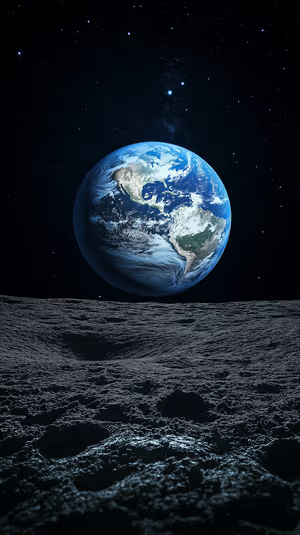
lunar earthrise

crescent moon valley
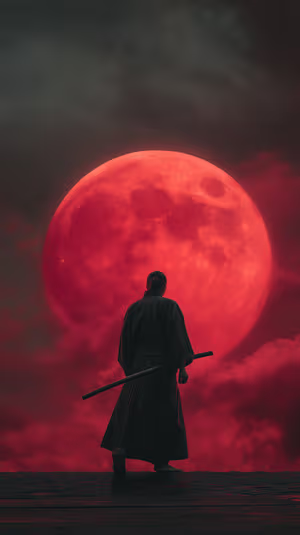
Crimson Moon Samurai
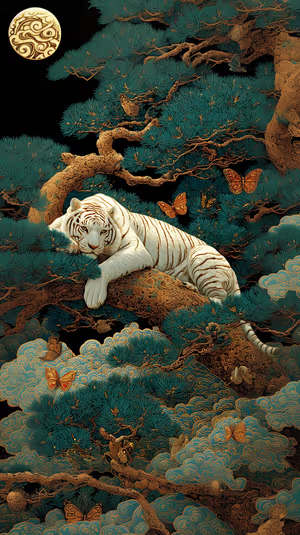
Moonlit White Tiger
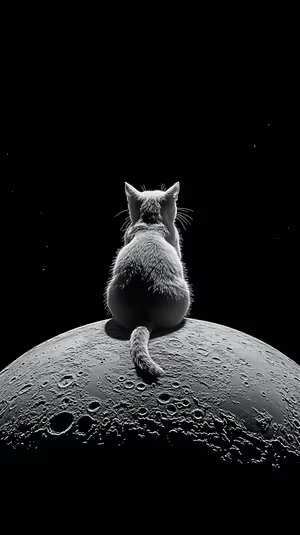
lunar cat silhouette
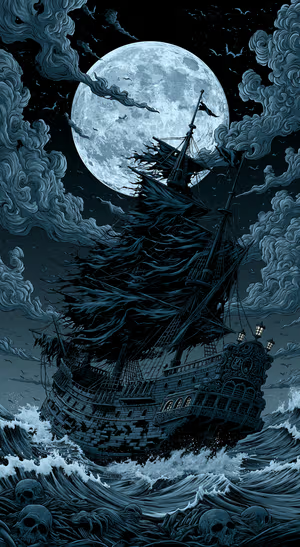
Moonlit Gothic Pirate Ship
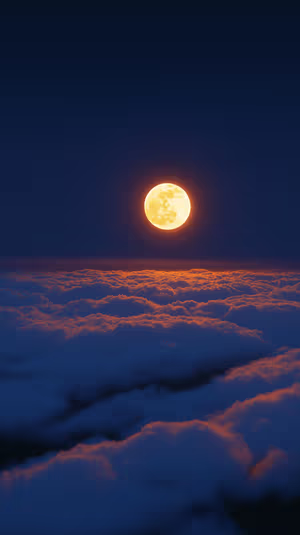
Moonlit Amber Clouds
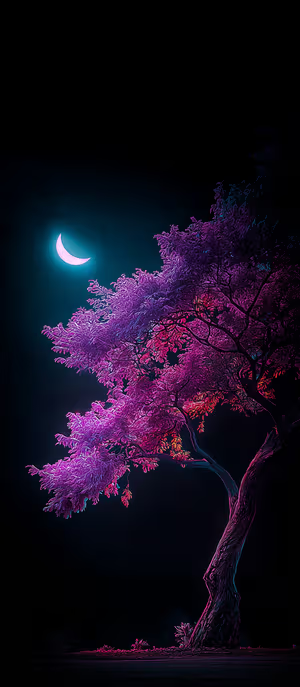
neon moon tree
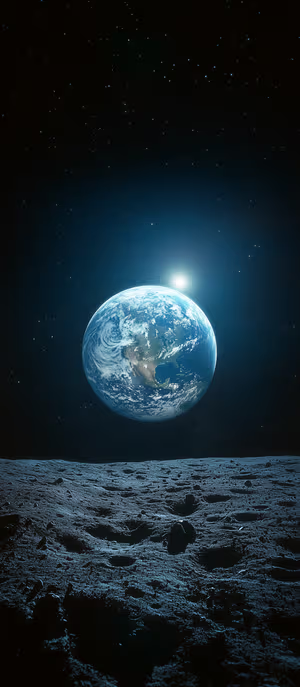
Lunar Earthrise
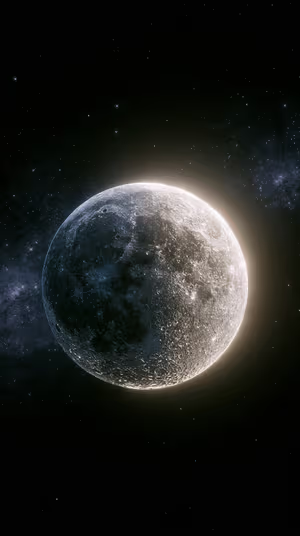
Lunar Halo
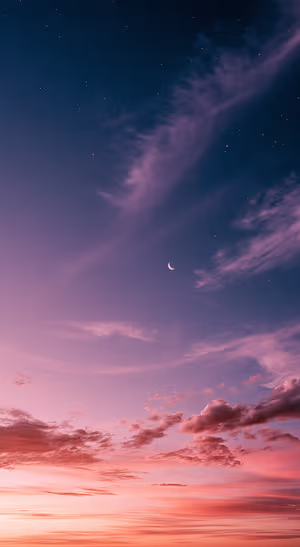
Pink Twilight Crescent Sky
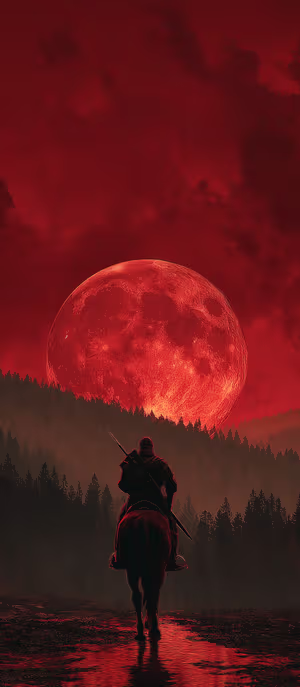
Crimson Moon Rider

Get every moon wallpaper free in HD
The ON Lock Screen app has new wallpapers every day. Or tap any wallpaper here to download it in 4K or 8K.
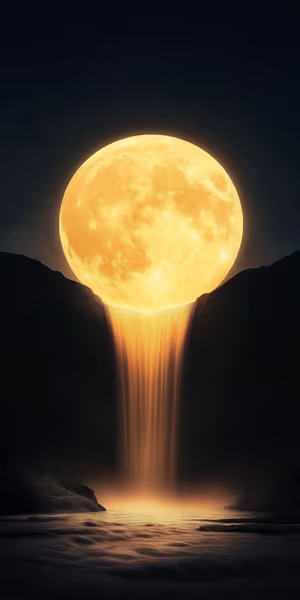
Moonlight Cascade
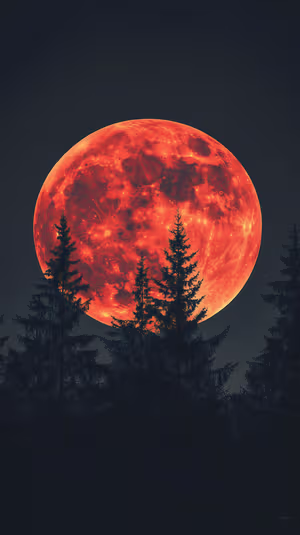
Blood Moon Pines
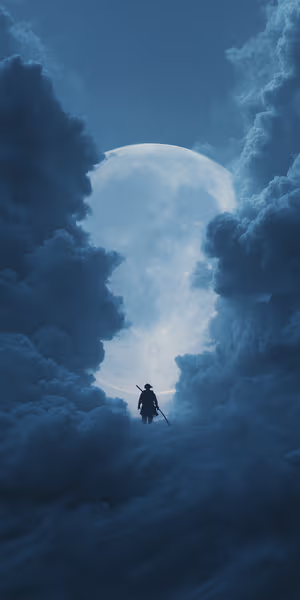
Moonlit Ronin
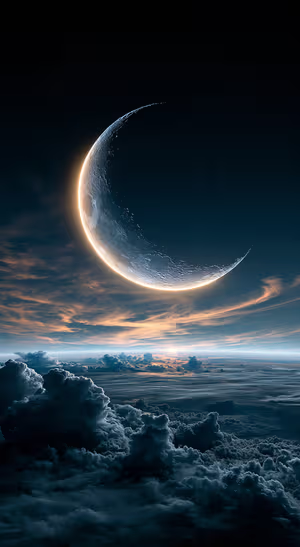
Luminous Crescent Cloudscape
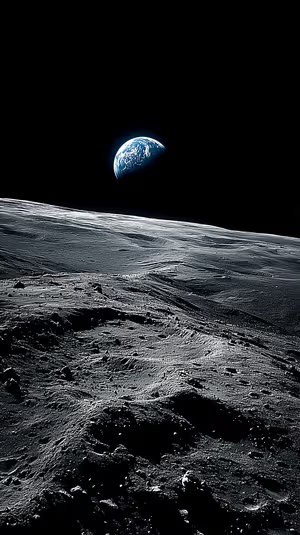
Blue Earthrise
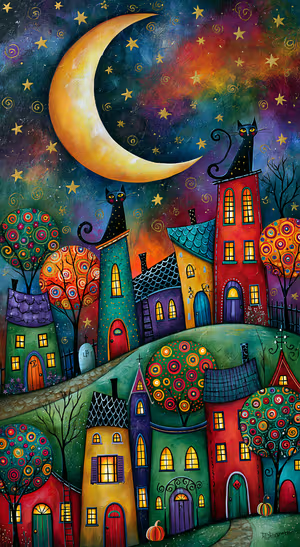
Whimsical Halloween Village
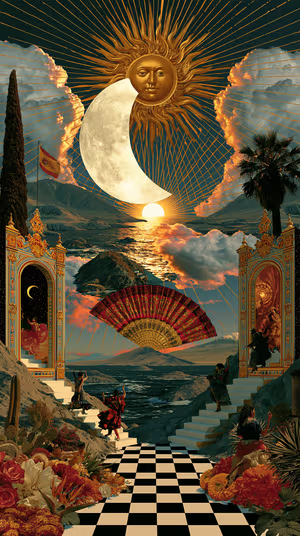
Solar Lunar Theater
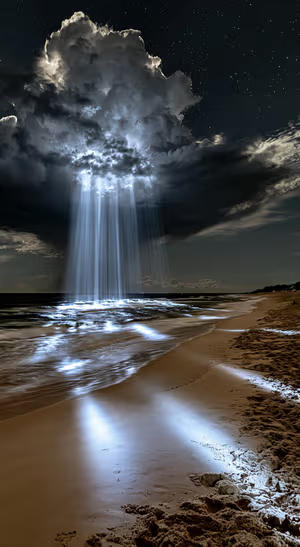
Moonlit Beach Light Beams
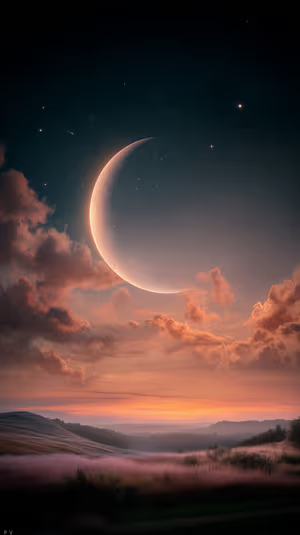
ethereal crescent dusk

Blood Moon Forest

Bronze Saturn Orbit
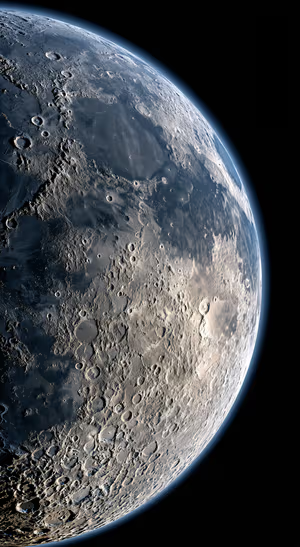
Realistic Moon Surface
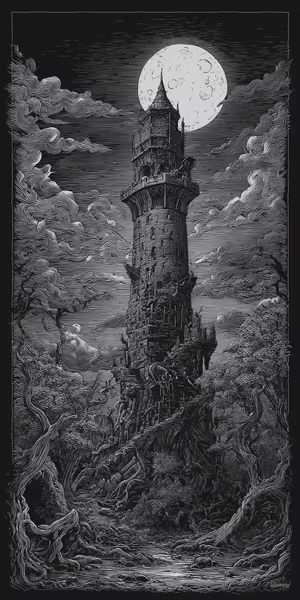
Moonlit Gothic Tower
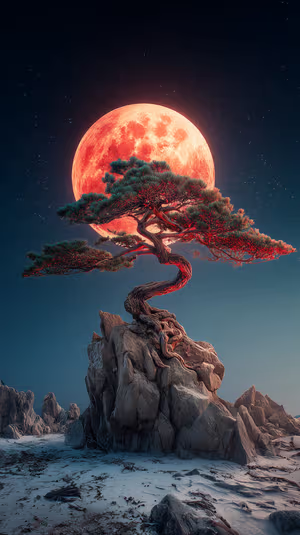
Crimson Moon Pine
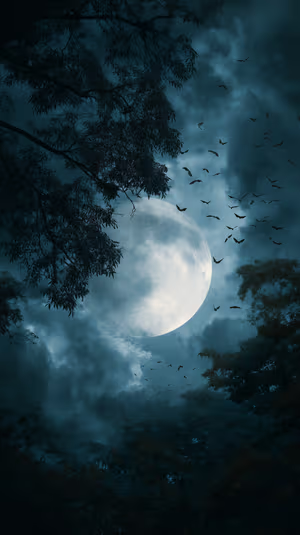
Teal Moonrise
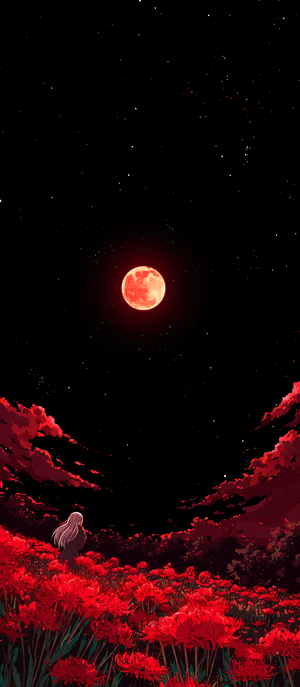
Blood Moon Lilies
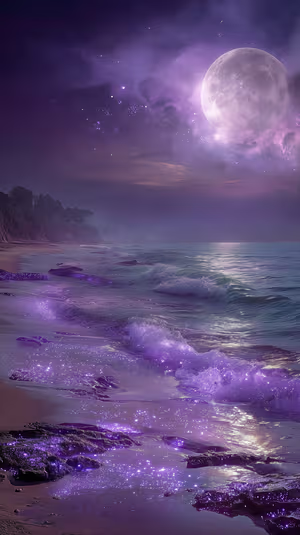
Purple Moon Coast
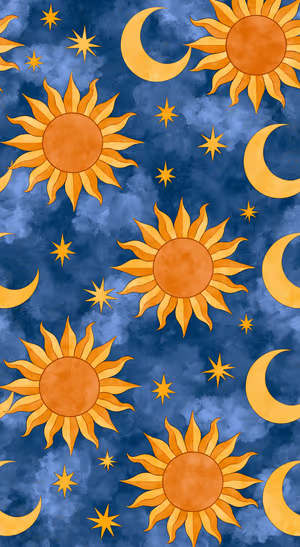
Celestial Sun Moon Pattern
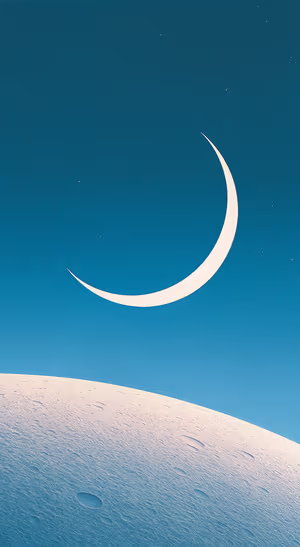
Minimalist Crescent Moon
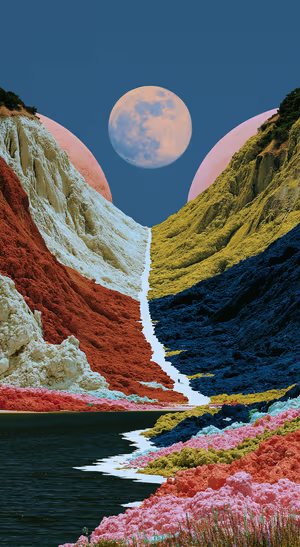
Chromatic Moon Valley
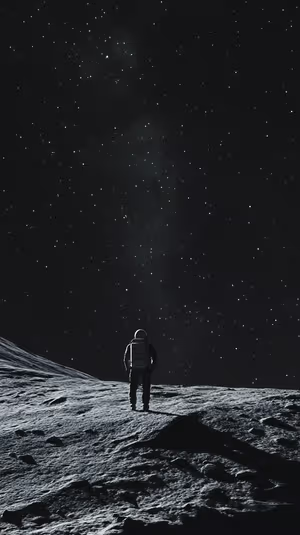
lunar solitude

Autumn Moon Forest

Moonlit Ocean Watercolor
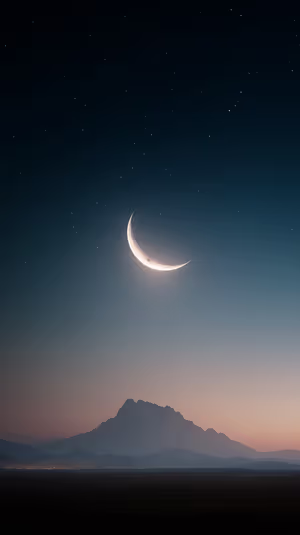
Crescent Moon Nightscape
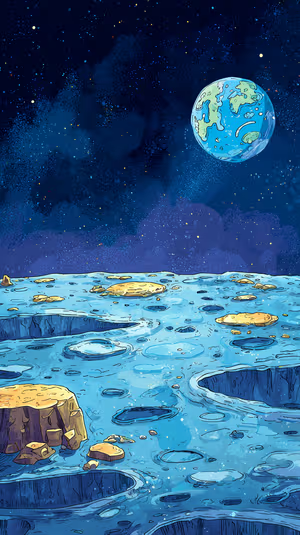
Blue Lunar Vista
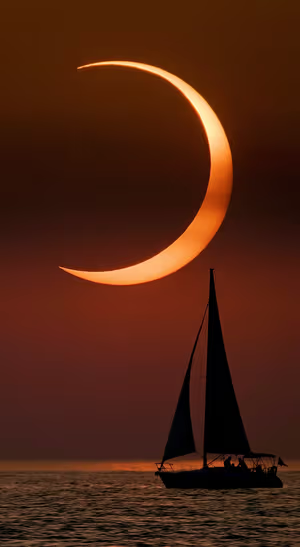
Crescent Moon Sailboat
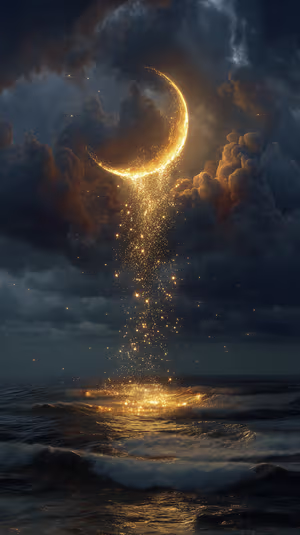
Golden Crescent Moon
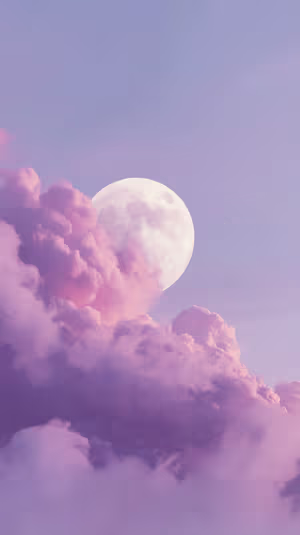
Dreamy Purple Moon
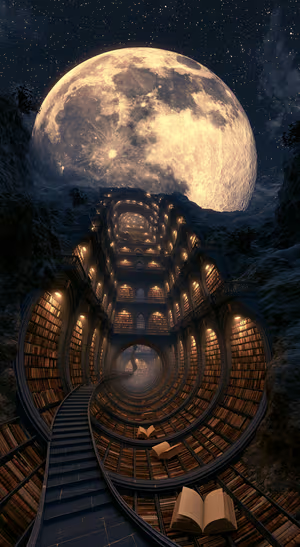
Lunar Spiral Library
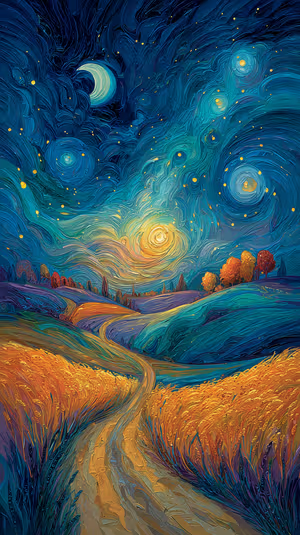
Crescent Moon Path
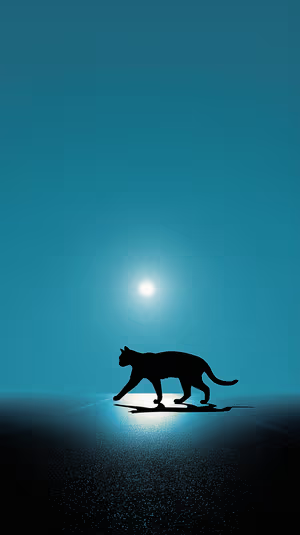
Moonlit Cat Silhouette
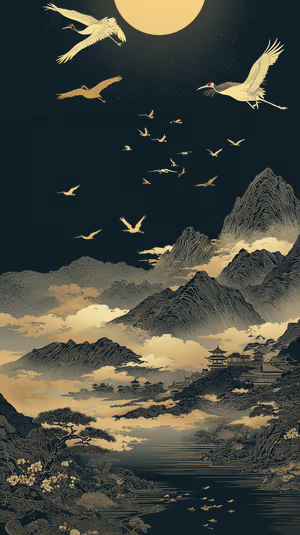
Golden Moon Cranes
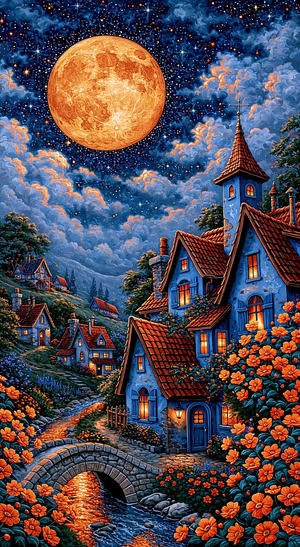
Moonlit Village Storybook Art
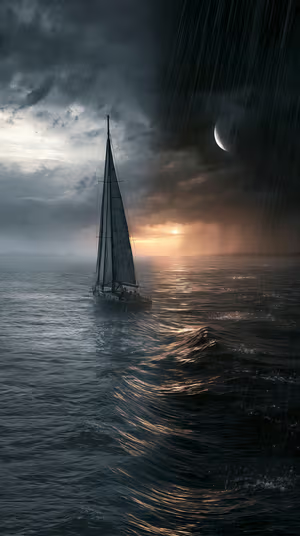
Stormbound Sail
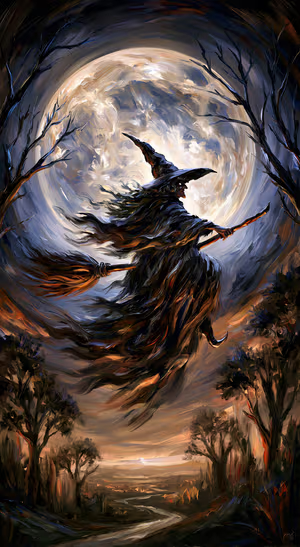
Moonlit Gothic Witch
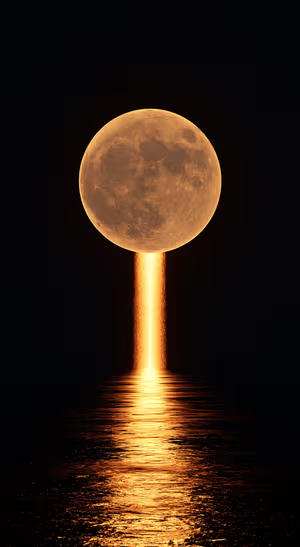
Golden Moonfall
Related collections
About these moon wallpapers
Moon wallpapers are calm and a little magical: a glowing full moon over the sea, a thin crescent above the mountains, moonlit forests and lunar art.
A single moon on black is perfect for OLED. See also space and gothic.
How to set a moon wallpaper
- Tap a wallpaper above to open it.
- Download it in 4K or 8K, or get it free in HD in the ON Lock Screen app.
- On iPhone, open the image in Photos and tap Share → Use as Wallpaper. On Android, open it in Gallery or Photos and choose Set as wallpaper.
- How to Set Wallpaper in iOS 27 – Step-by-Step Guide
- How to Change Your Wallpaper on Android (Samsung, Pixel & More)
Frequently asked questions
Are these moon wallpapers free?
You can browse and preview every wallpaper here. HD versions are free in the ON Lock Screen app, and 4K and 8K files can be bought on the website with a lifetime license.
Will these wallpapers fit my phone?
Yes. They are made in a tall portrait format that fits current iPhone, Samsung Galaxy and Google Pixel screens, and the 4K and 8K files have enough resolution to crop or zoom without getting blurry.
What is the difference between 4K and 8K?
Both look sharp on a phone. 8K keeps fine detail when your phone zooms or crops the image for the Depth Effect, parallax or a foldable screen, and holds up best on the largest Pro Max and Ultra displays.