Seasonal & Holidays
New Year 2027 Wallpapers for iPhone & Android
Fireworks, gold sparkle and a clean start for 2027.
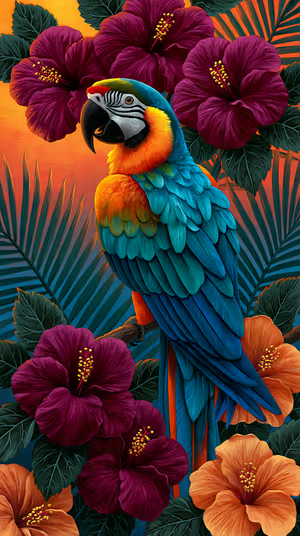
Tropical Teal Macaw
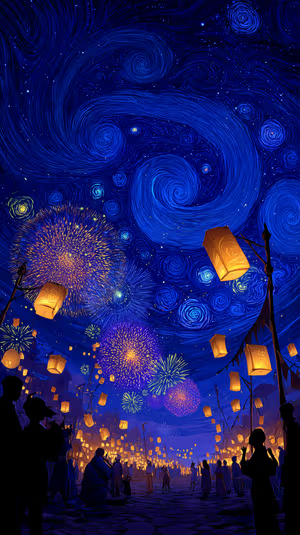
Lantern Festival Night
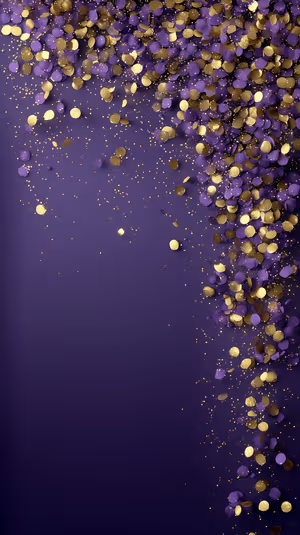
Purple Gold Confetti
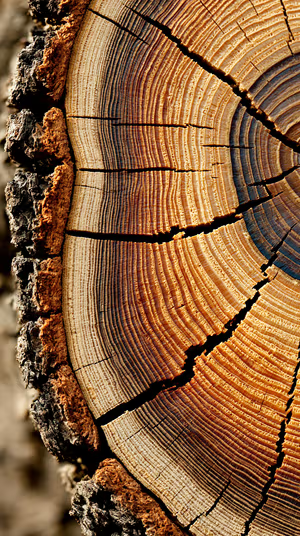
Golden Tree Rings
colorful party balloons
Gold Pine & Red Baubles

Balcony Fireworks
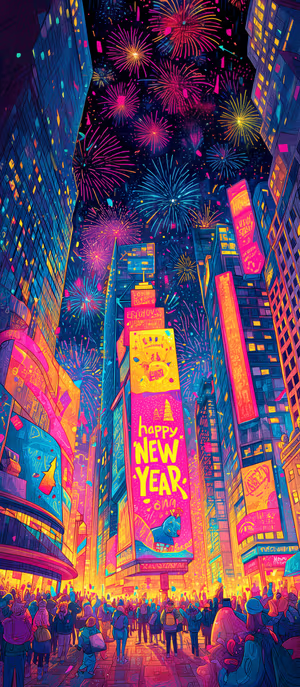
neon times square

Messi World Cup Portrait
Papel Picado Alley
Golden Dust Swirl
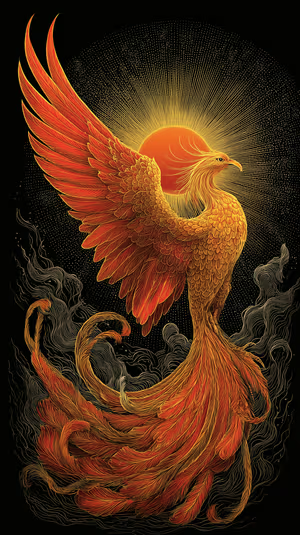
Radiant Phoenix Rise

Get every new year wallpaper free in HD
The ON Lock Screen app has new wallpapers every day. Or tap any wallpaper here to download it in 4K or 8K.
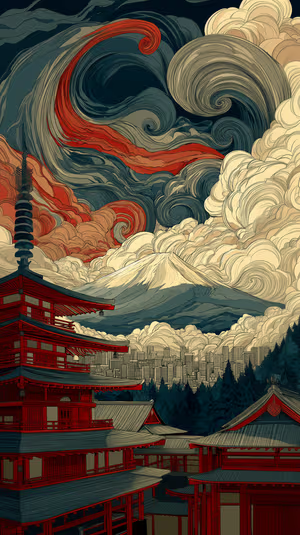
Pagoda Vista

Velvet Fold Macro
Magenta Starburst Border
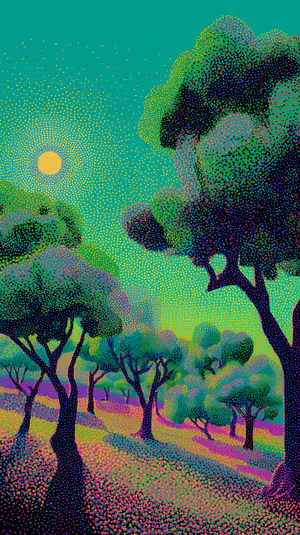
Neon Pointillist Grove
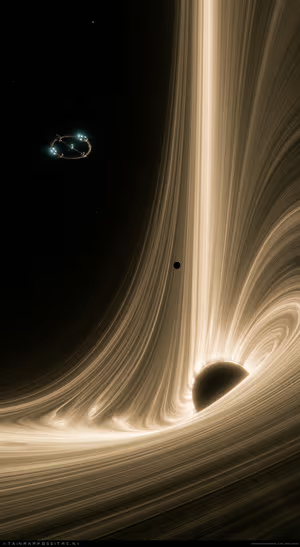
Golden Black Hole Accretion Disk
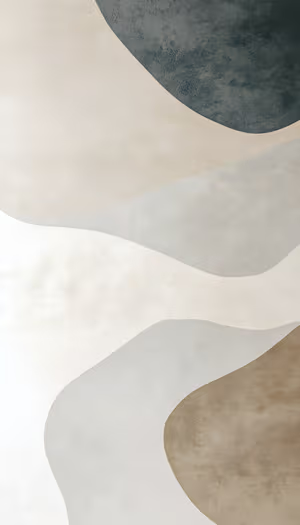
Earthtone Layered Flow
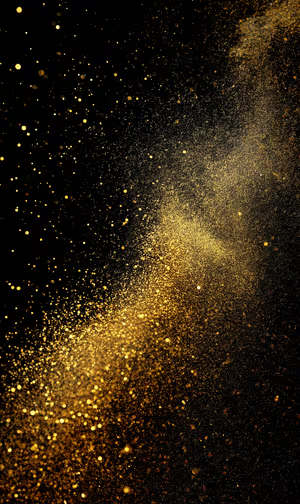
Shimmering Gold Dust
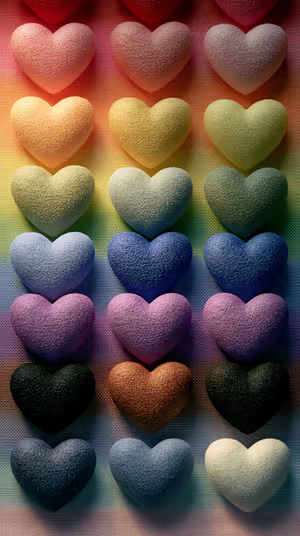
Tactile Rainbow Hearts
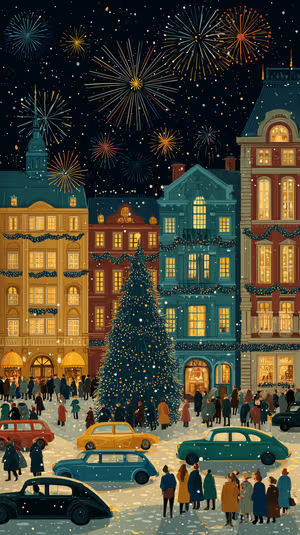
Festive City Square
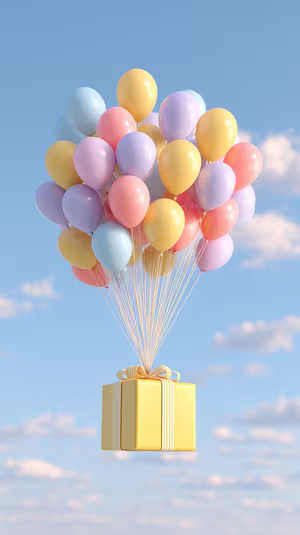
Pastel Balloons Gift
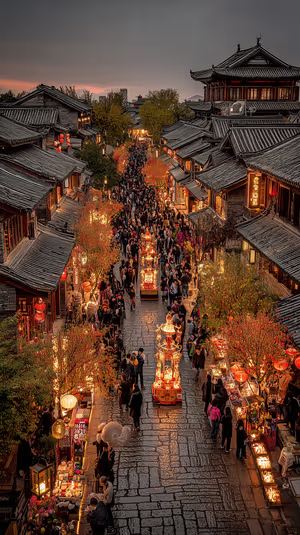
lantern festival night
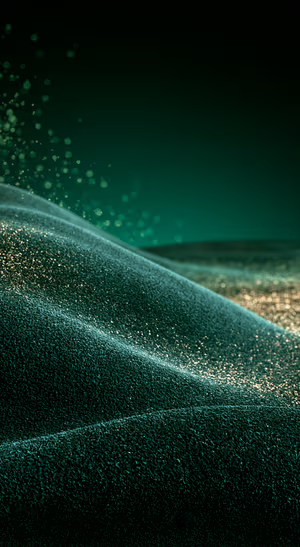
Emerald Glitter Dune Texture
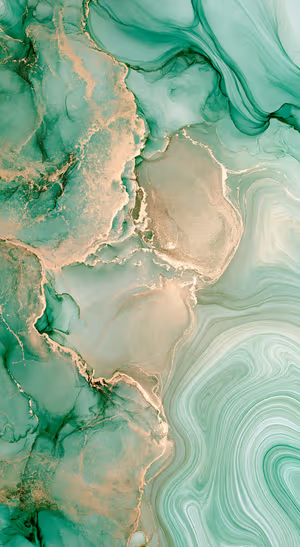
Emerald Gold Marble
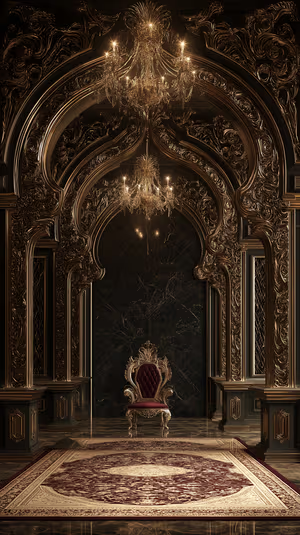
Gilded Throne Room
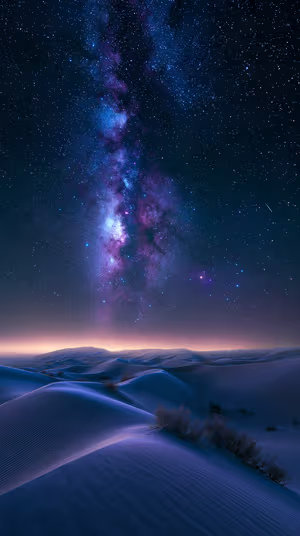
Milky Way Dune Vista
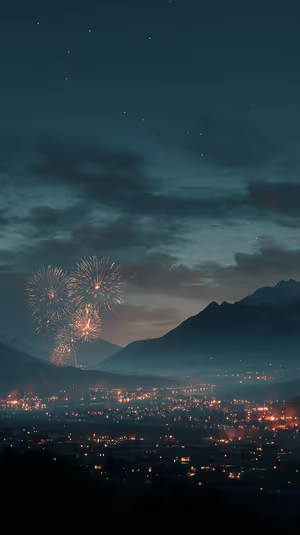
Misty Mountain Fireworks
Purple Nebula Burst
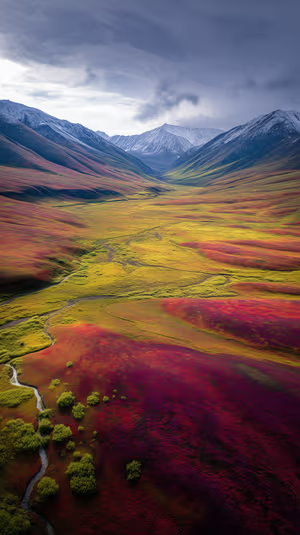
Tundra Valley Autumn
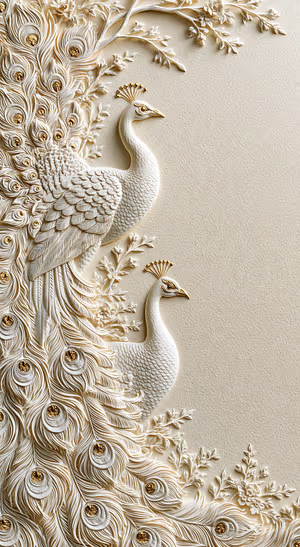
Ivory Peacock Relief
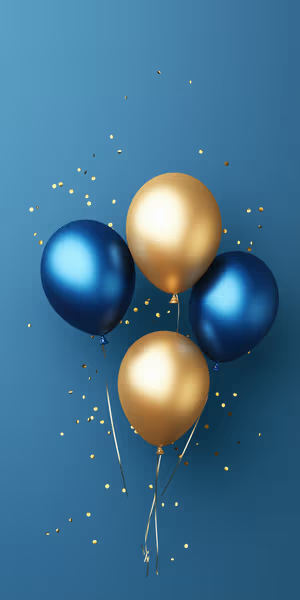
Blue Gold Balloons
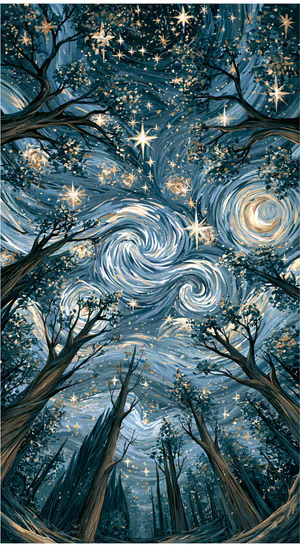
Celestial Swirl Forest

Moonlit Lantern Street

Sakura Mountain Village
Neon Welcome Stripes

Imperial Gold Palace

Galloping Red Horses
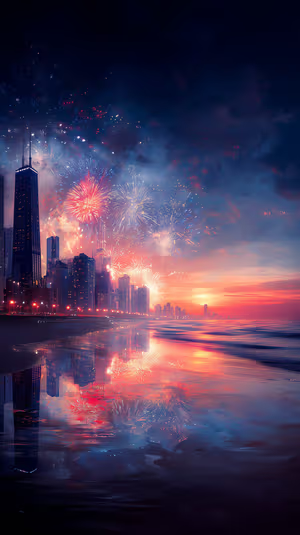
Coastal Fireworks Skyline
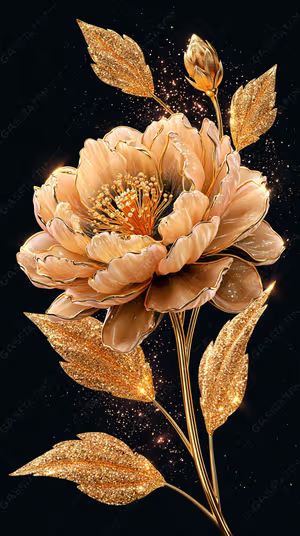
Gilded Peony Bloom

midnight sleigh ride
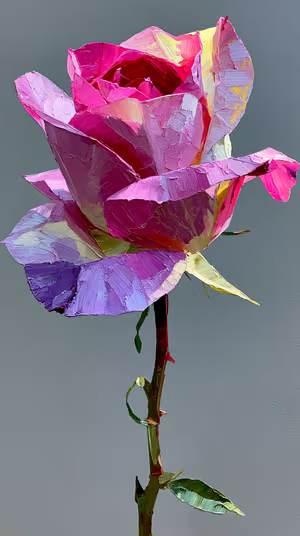
Impasto Pink Rose

Halftone Cloud Splash

Hand Stitched Saguaro

Clear Umbrella Contrast

Gilded Castle View
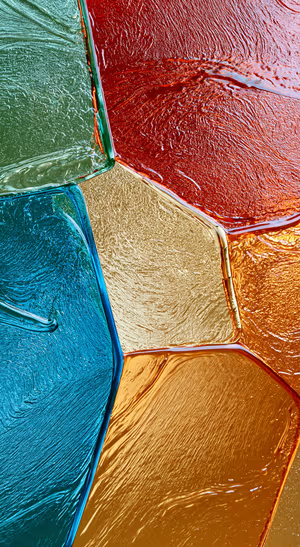
Glossy Geometric Jewel Tones
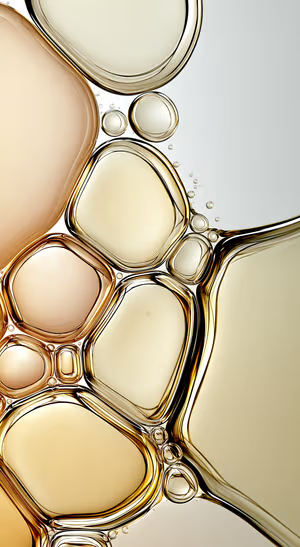
Golden Liquid Bubbles
Related collections
About these new year wallpapers
A new year is the one lock-screen change almost everyone makes. This collection mixes fireworks, champagne gold, midnight city lights and quieter “fresh start” designs that still look good in January.
Set one on December 31 and keep it through the first week of January. Pair it with a gold wallpaper or a winter wallpaper on the Home Screen.
How to set a new year wallpaper
- Tap a wallpaper above to open it.
- Download it in 4K or 8K, or get it free in HD in the ON Lock Screen app.
- On iPhone, open the image in Photos and tap Share → Use as Wallpaper. On Android, open it in Gallery or Photos and choose Set as wallpaper.
- How to Set Wallpaper in iOS 27 – Step-by-Step Guide
- How to Change Your Wallpaper on Android (Samsung, Pixel & More)
Frequently asked questions
When should I switch to a New Year wallpaper?
Most people set one on December 31 and keep it for the first week of January, then move to a winter or zodiac design.
Are these new year wallpapers free?
You can browse and preview every wallpaper here. HD versions are free in the ON Lock Screen app, and 4K and 8K files can be bought on the website with a lifetime license.
Will these wallpapers fit my phone?
Yes. They are made in a tall portrait format that fits current iPhone, Samsung Galaxy and Google Pixel screens, and the 4K and 8K files have enough resolution to crop or zoom without getting blurry.
What is the difference between 4K and 8K?
Both look sharp on a phone. 8K keeps fine detail when your phone zooms or crops the image for the Depth Effect, parallax or a foldable screen, and holds up best on the largest Pro Max and Ultra displays.