Devices & Features
Matching Lock Screen & Home Screen Wallpapers
Two wallpapers that look designed together — one for Lock, one for Home.
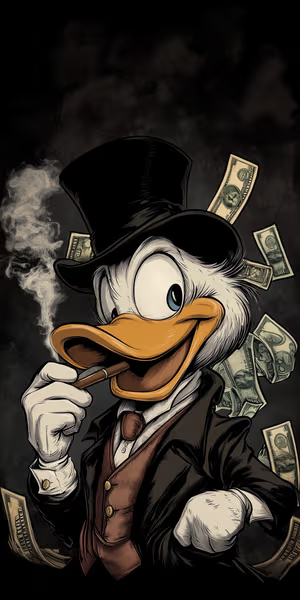
Lavish Duck Boss

Burning Cash Clown

Rustic Station Bench

Baby Penguin Rose
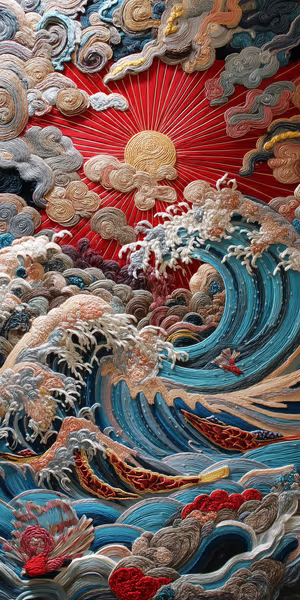
Stitched Sunlit Waves
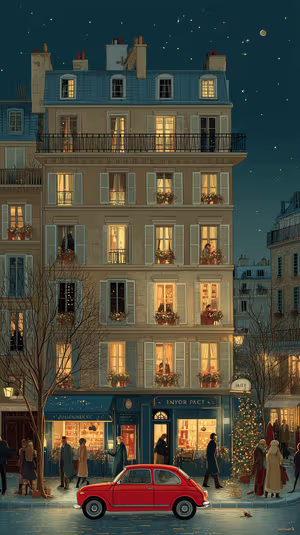
Paris Night Avenue

graybeard defiance
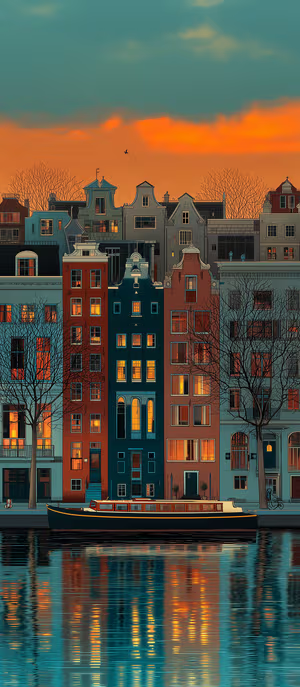
Amsterdam Sunset Canals
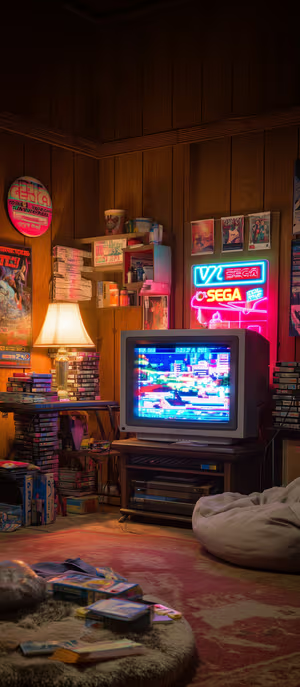
neon sega den

Midnight Starry Cat

Neon Lab Doodles
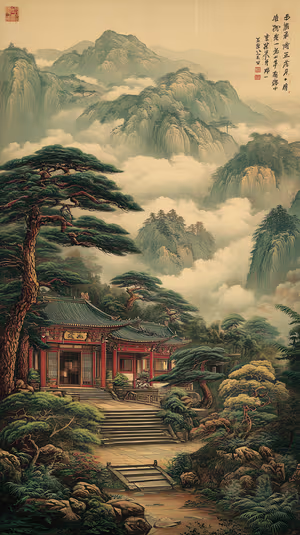
Misty Mountain Temple

Get every matching lock & home wallpaper free in HD
The ON Lock Screen app has new wallpapers every day. Or tap any wallpaper here to download it in 4K or 8K.
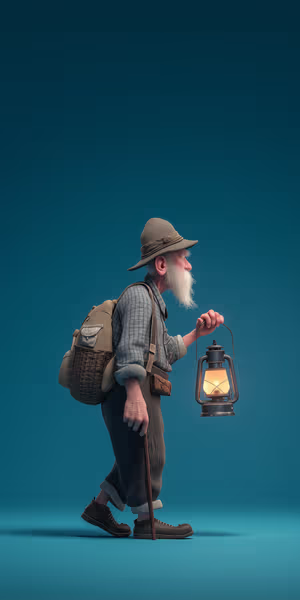
Lantern Wanderer

Little Hanuman Peek

Chemistry Chalk Doodles
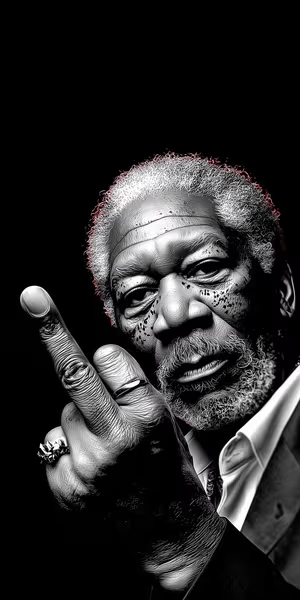
defiant monochrome portrait

Sunlit Mediterranean Alley

Headphone Stroll
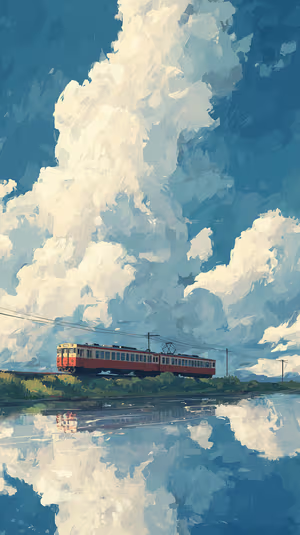
Crimson Train Reflection

Cosmic Purple Pumpkins

Fuzzy Puppet Circle
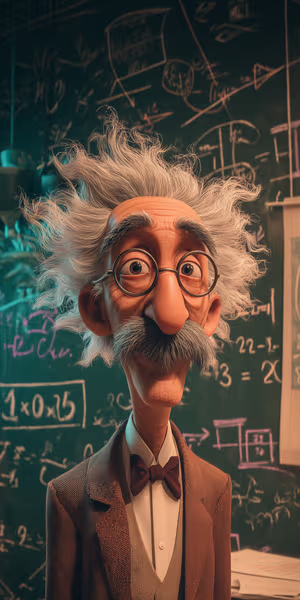
Chalkboard Professor
Soft Beige Paper

Seasonal Tree Quartet
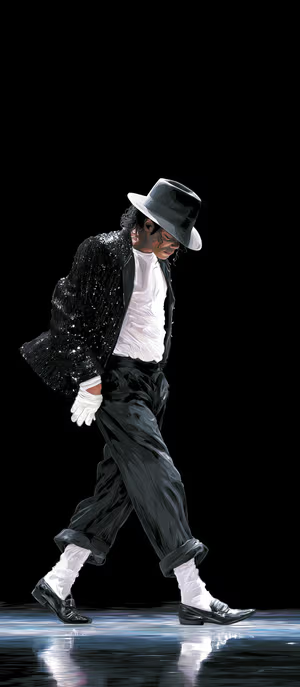
Moonwalk Silhouette
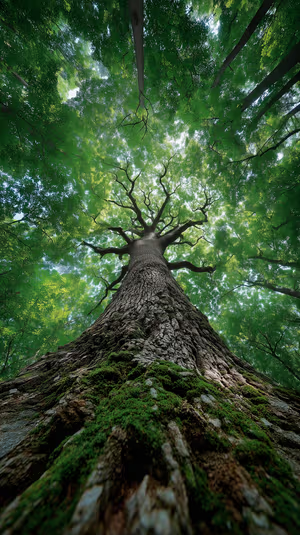
Mossy Oak Canopy
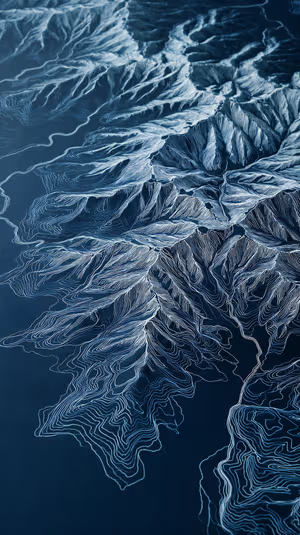
Topographic Blue Ridges
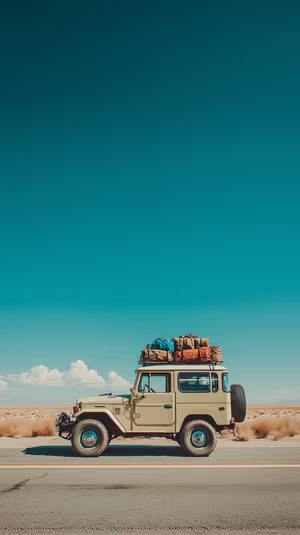
Vintage Desert 4x4

Golden Storm Clouds
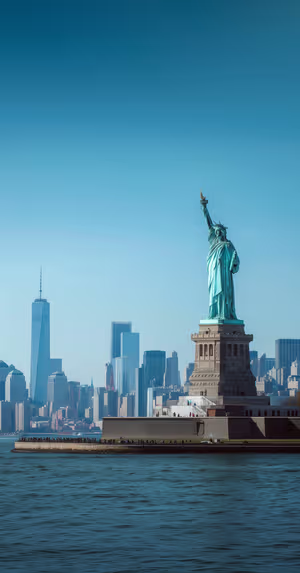
Liberty Harbor View
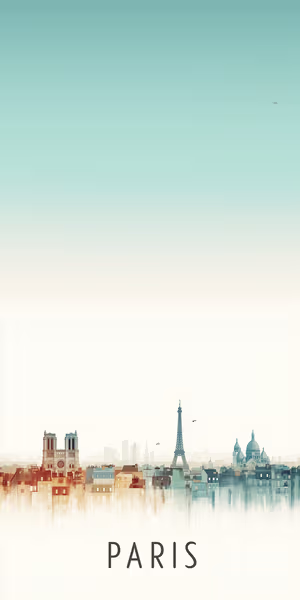
Paris Skyline Dream
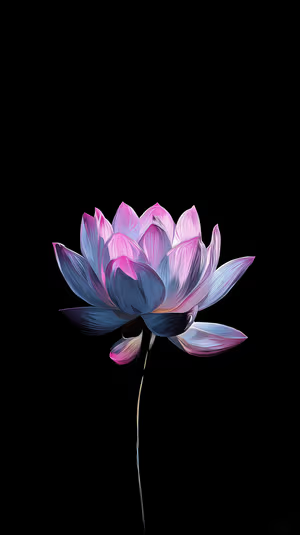
Neon Lotus Bloom
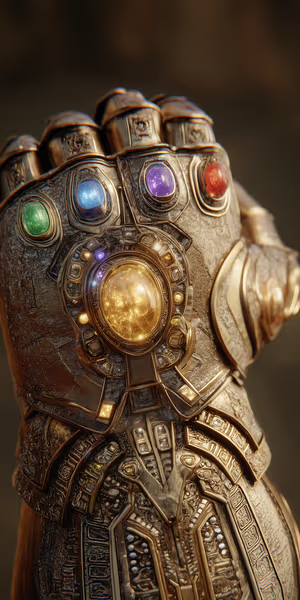
Golden Gauntlet
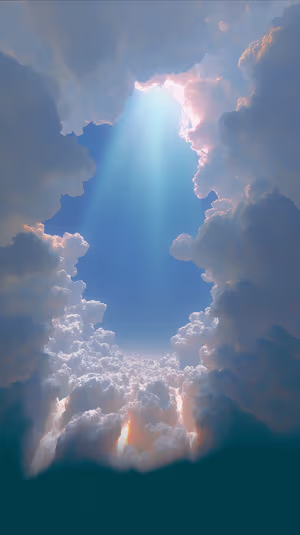
Radiant Cloudscape
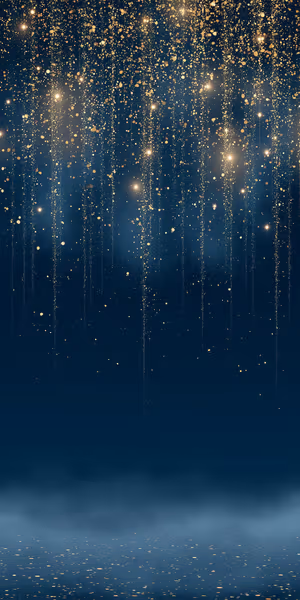
Midnight Gold Cascade
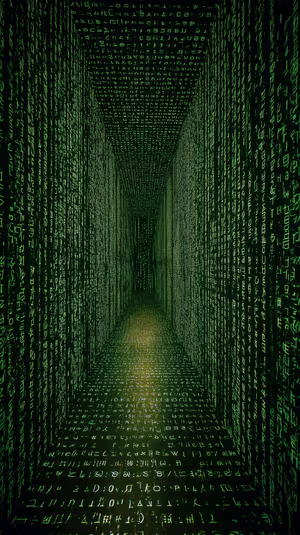
Matrix Code Tunnel
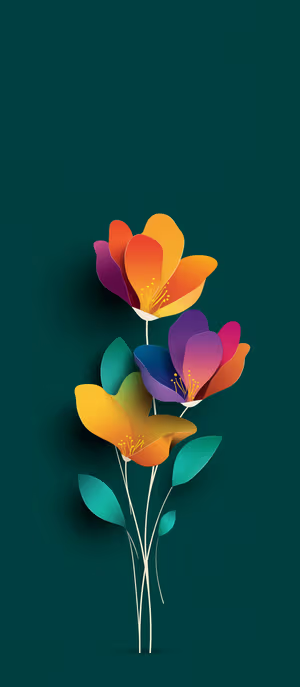
Papercut Bloom

Cloaked Horseman
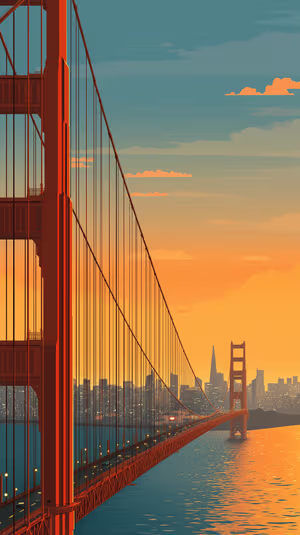
Golden Gate Dusk
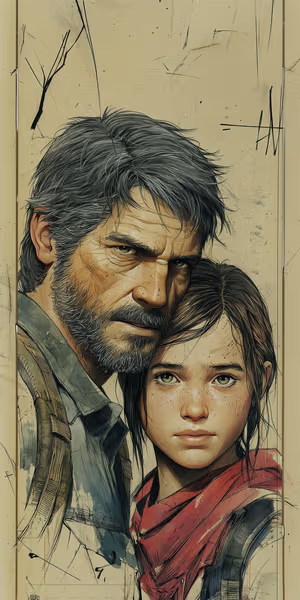
Gritty Survivor Duo
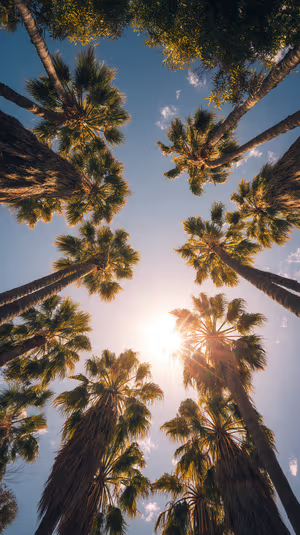
Sunlit Palm Canopy

Solar Flare Horizon
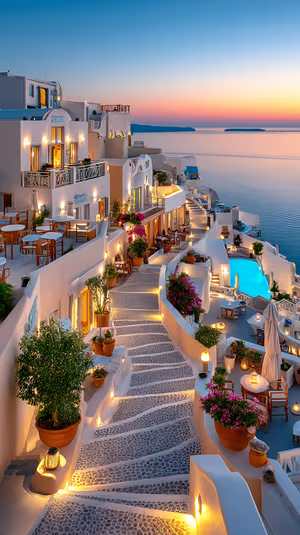
Santorini Sunset Stairway
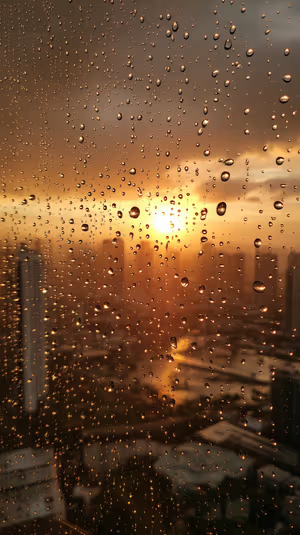
Golden Raindrop Sunset
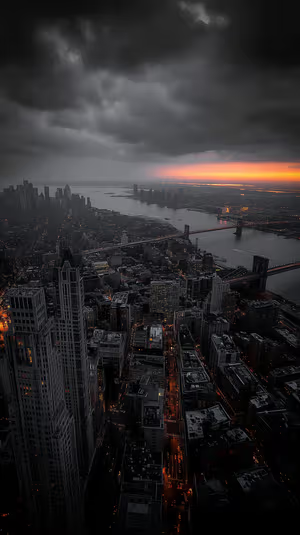
Manhattan Storm Glow
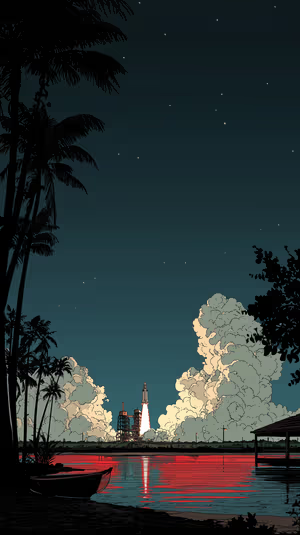
Crimson Launch
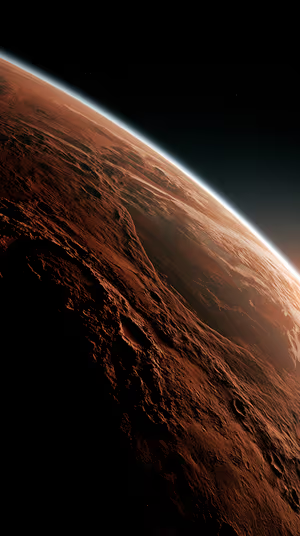
Red Planet Horizon
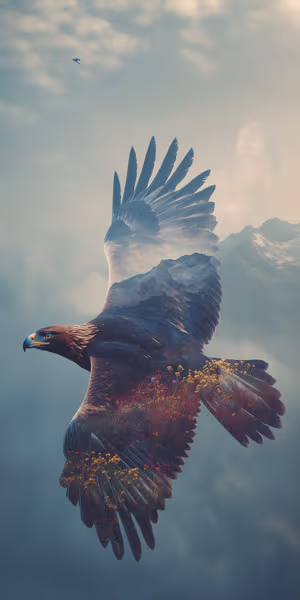
Misty Peak Eagle
Related collections
About these matching lock & home wallpapers
A matching pair is the fastest way to make a phone look styled: a bolder image on the Lock Screen, a calmer one on the Home Screen, same palette.
On Android you can set them separately in a few taps — see different Lock and Home wallpapers. iPhone does the same from Photos. When the pack is live, you can buy five pairs at once.
How to set a matching lock & home wallpaper
- Tap a wallpaper above to open it.
- Download it in 4K or 8K, or get it free in HD in the ON Lock Screen app.
- On iPhone, open the image in Photos and tap Share → Use as Wallpaper. On Android, open it in Gallery or Photos and choose Set as wallpaper.
- How to Set Different Lock Screen and Home Screen Wallpapers on Android
- How to Set Wallpaper in iOS 27 – Step-by-Step Guide
Frequently asked questions
Are these matching lock & home wallpapers free?
You can browse and preview every wallpaper here. HD versions are free in the ON Lock Screen app, and 4K and 8K files can be bought on the website with a lifetime license.
Will these wallpapers fit my phone?
Yes. They are made in a tall portrait format that fits current iPhone, Samsung Galaxy and Google Pixel screens, and the 4K and 8K files have enough resolution to crop or zoom without getting blurry.
What is the difference between 4K and 8K?
Both look sharp on a phone. 8K keeps fine detail when your phone zooms or crops the image for the Depth Effect, parallax or a foldable screen, and holds up best on the largest Pro Max and Ultra displays.